
Invoice Software for Small Businesses
Create branded invoices, send them by email, take card and PayPal payments on them, and see which invoices are paid, partly paid or past due, all from one Billed account.
No credit card required.
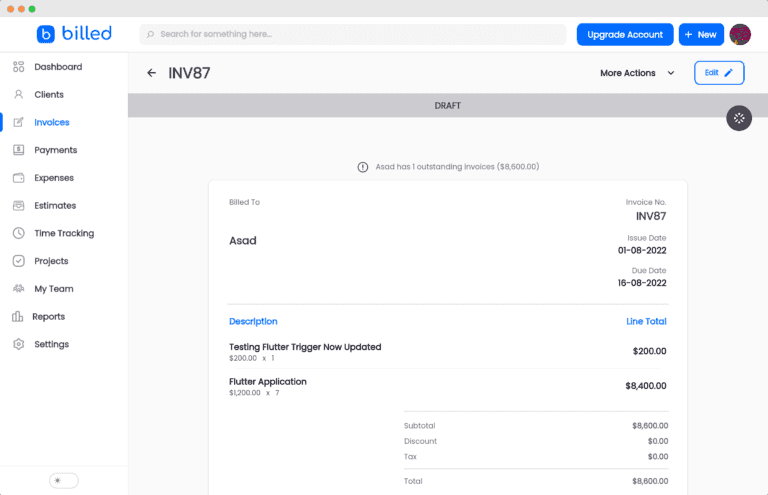
Create Professional Invoices
Choose an invoice template, add your logo and business details, and save the products and services you sell so you can pull them into an invoice instead of retyping them. When the invoice is ready, send it to your client by email. You can customize the emails Billed sends to match your business voice, or set up your own SMTP settings so they come from your own email account.
Automate Billing With Recurring Invoices
For clients you bill on a schedule, set up a recurring profile once. Choose the billing frequency (daily, weekly, monthly or yearly) and how many invoices to send, or keep sending until you stop. Billed creates the invoices automatically and either sends them or saves them as drafts for you to check. Clients can link a credit card to make recurring payments easier, and each recurring profile keeps its invoices and payments in one place.
Get Paid Online and Record Every Payment
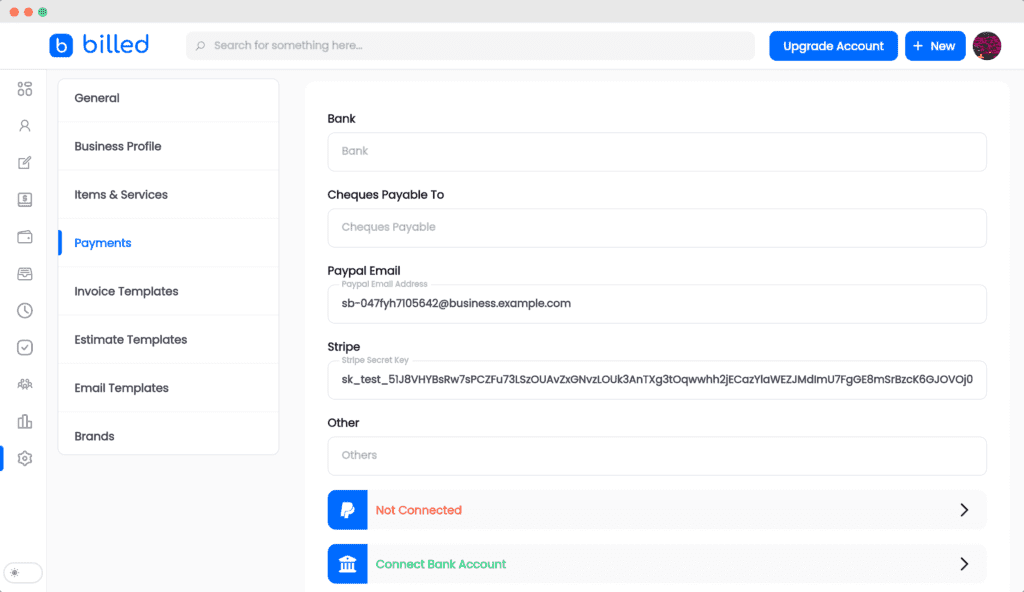
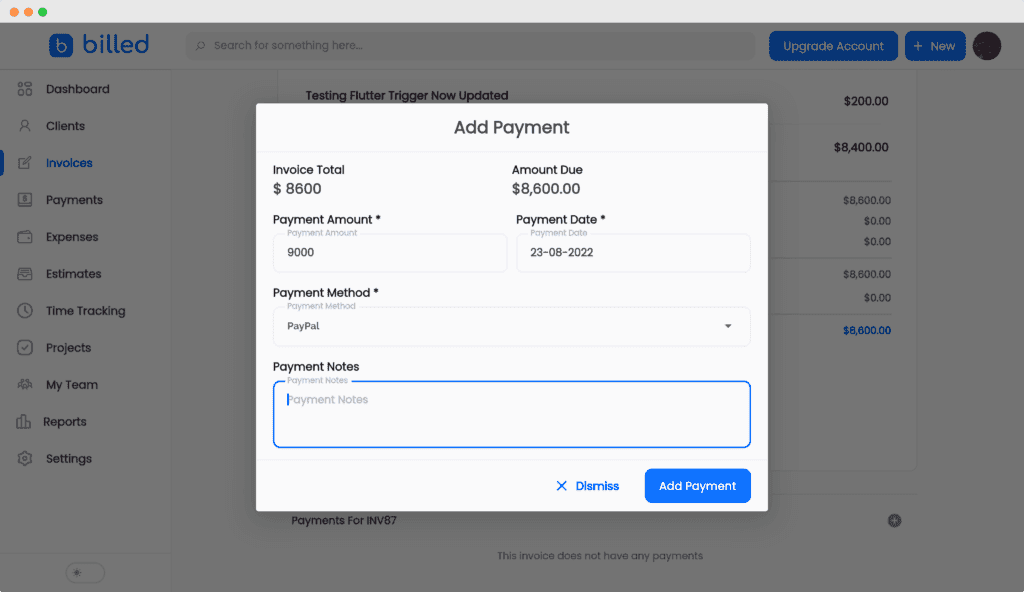
Connect your Stripe account and every invoice you send gets a pay button, so clients can pay by card. Connect PayPal to add a PayPal option as well. When a client pays by check or cash, record it as an offline payment so all your income is in one place. After a client pays, you can send them a payment receipt.
Set Due Dates and Follow Up
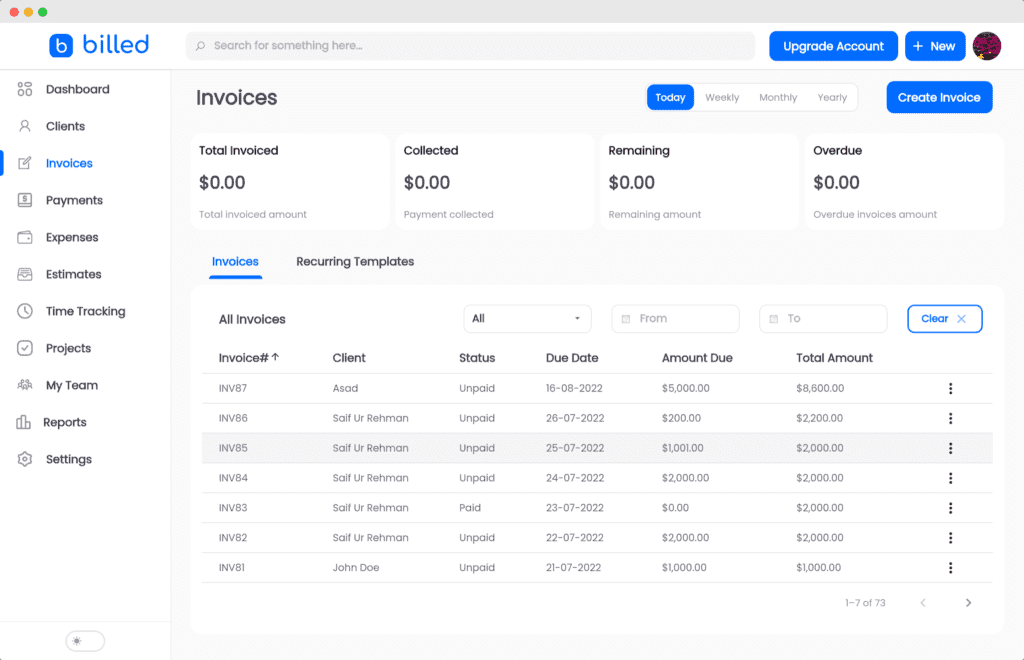
Set a due date on each invoice so your client knows when to pay. Invoice reports show which invoices are paid, partially paid or past due, and you can see who owes you money and send them a payment reminder. Payment reminders can be customized.
Taxes, Discounts and Currencies
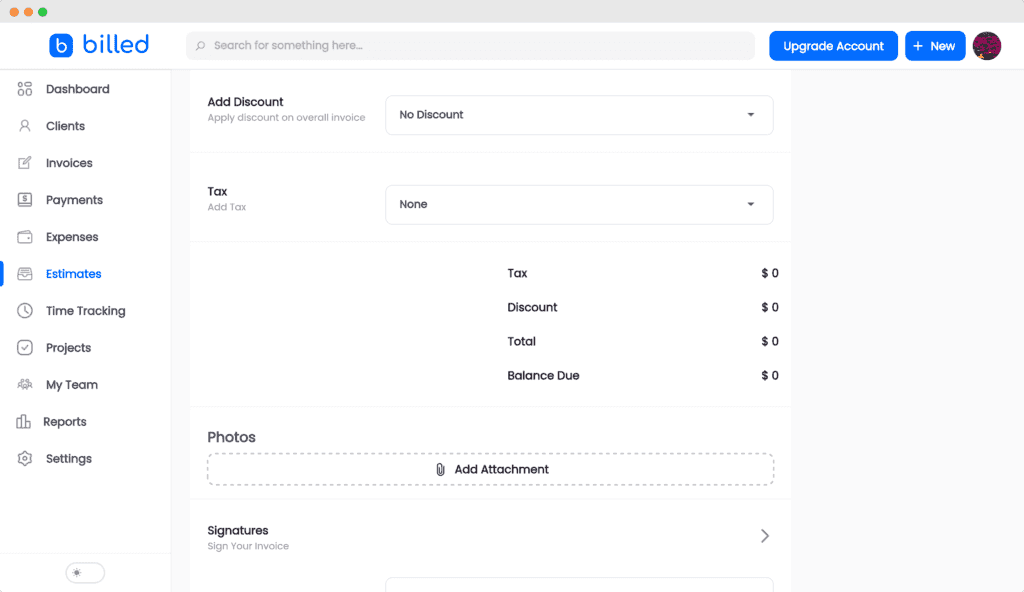
Save your tax rates and settings once, and Billed calculates taxes automatically when you create invoices and estimates. Give a client a discount on an invoice, or create coupons. Invoice customers in multiple currencies, choosing a different currency for each invoice or customer.
Built for Small Businesses
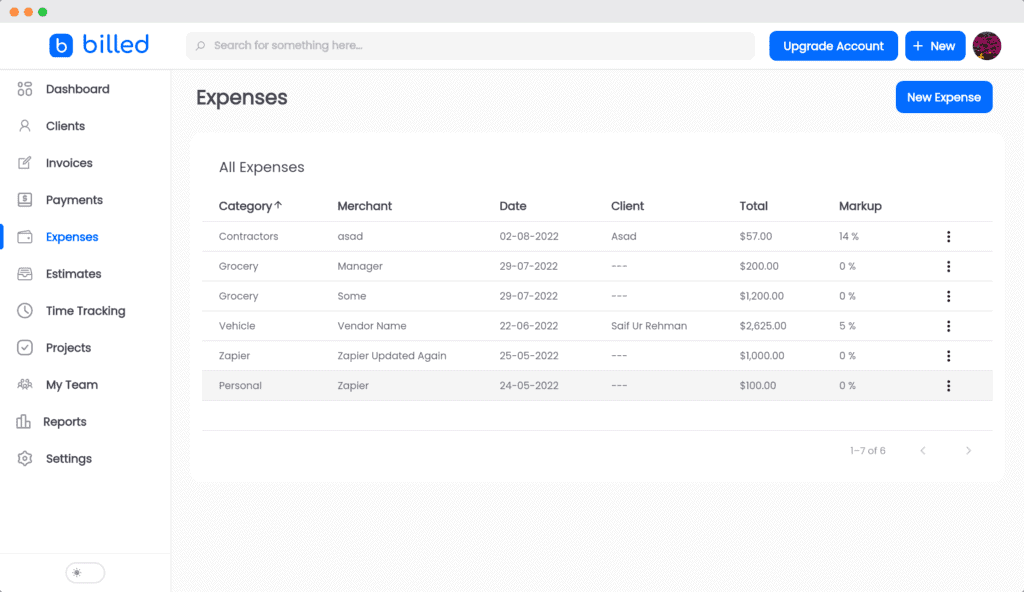
Billed keeps invoicing, estimates, expenses, time tracking and reports in one account. Attach receipts to your expenses, convert an approved estimate into an invoice, and bill for time you have tracked. If you run more than one business, manage them in one place and switch between them. Invite your team, accountant or contractors and give them permissions in your account. Billed works in a web browser on any device, and Billed's mobile app page describes apps for iOS and Android.
More Invoicing Features

Void Invoices
Made a mistake while creating an invoice? Void it in Billed for better accounting.

Invoice Chat
Talk to your client about an invoice in one place, without leaving your dashboard.

Invoice Attachments
Add files to your invoices and estimates.

Refund Your Customers
Refund your customers from within Billed and keep track of refunds.

Invoice History
Billed keeps the complete history of an invoice and its payments from the moment it is created.

Product Reports
See which products and services are selling and create offers for your customers.
FAQ
Most frequent questions and answers
Invoicing in Another Country?
This page covers Billed's invoice software features. For country-specific details, see invoicing software by country: a guide for each country with its currency and its sales tax, VAT or GST.