
Expense and Receipt Tracking
Record what your business spends, keep each receipt with its expense, and turn your spending into expense reports you can export for your accountant.
No credit card required.
Record an expense in a few fields
An expense in Billed records who you paid, when, how much and which category it belongs to, with the receipt attached to the same entry. Save the vendors you buy from so repeat purchases take less typing, record expenses in more than one currency when you pay suppliers abroad, and edit an expense if you entered something wrong.
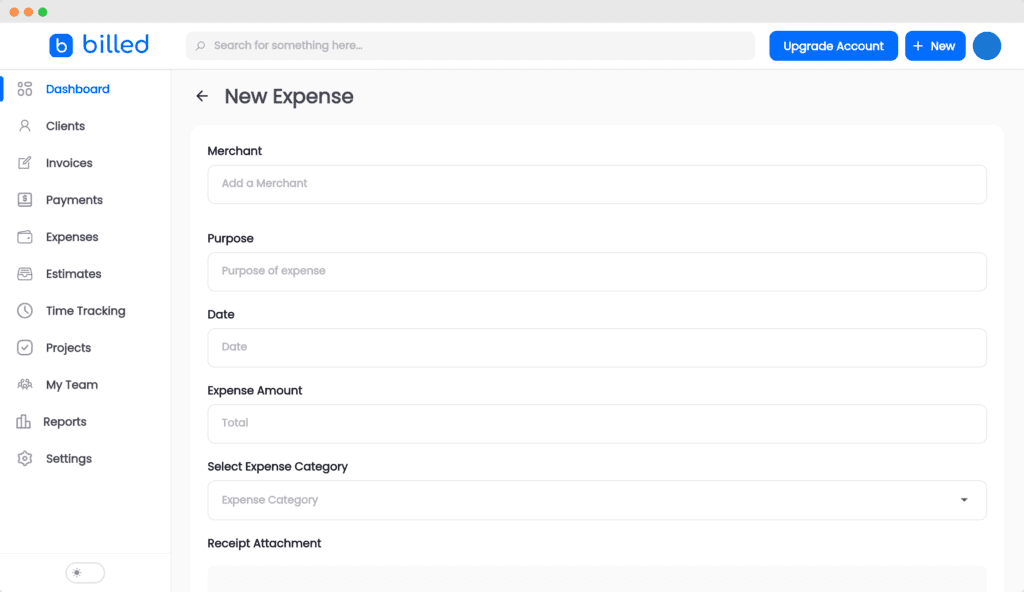
Keep each receipt with its expense
Attach the receipt when you record the expense, and it stays with that entry in your Billed account instead of in a drawer or an inbox. In the US, the IRS says the supporting documents for a business expense should identify the payee, the amount paid, proof of payment and the date, and describe what was bought so it's clear the cost was for the business. Example: a $240.00 print order for a client event, paid by card on March 4. Record the print shop as the vendor, March 4 as the date and 240.00 as the amount, choose a category, and attach the card receipt. If the receipt doesn't show what was printed or why, add that to your records so the business purpose is documented.
Categorize expenses for tax time
Give every expense a category so your spending is already sorted when you file taxes or hand the year to your accountant. Billed's expense report can group your expenses by category.
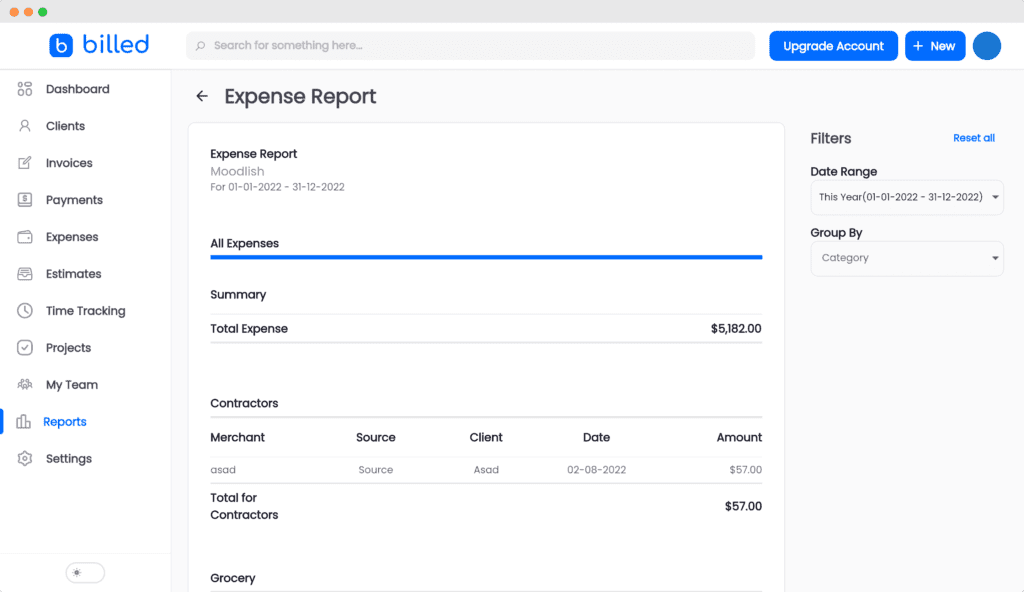
See where the money goes
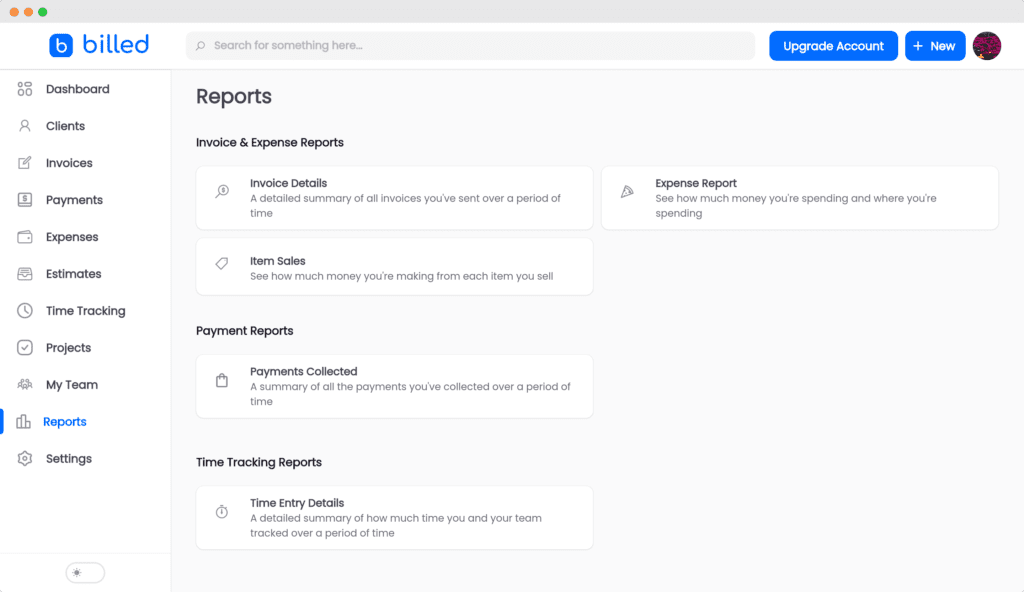
The expense report shows what you spent over a date range, and the income vs expense report compares income with expenses so you can see how profitable the business is. Reports can be filtered by date range and exported for your accountant, bookkeeper or tax software.
Keep each business's expenses separate
If you run more than one business from one Billed account, each business has its own expenses, invoices, clients and financial reports, and you can switch between businesses as you work.
Record expenses from any device
Billed works in a web browser, so you can record an expense from a phone, a tablet or a computer.
Need to give a customer a receipt?
Expense tracking is for money your business spends. When a client pays one of your invoices, Billed can send them a payment receipt. For a receipt you fill in yourself, start from a free receipt template.
FAQ
Most frequent questions and answers