
Financial Reporting
Instantly see how well your business is performing with Billed Financial Reporting. Create important reports about your business in a single click.
No credit card required. Cancel anytime.
Top Selling Products
Find out which products are performing well and introduce similar products to your customers to increase your sales. Start Free
Invoice Reports
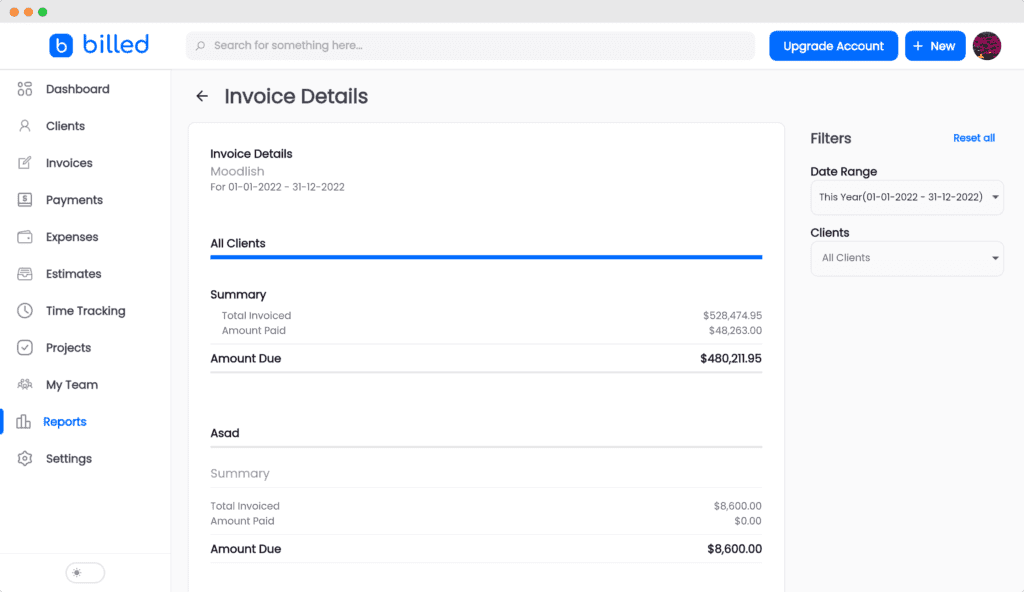
See your partially paid, past due and paid invoices in a glance with Invoice reports. This lets you keep track of your cashflow. Start Free
Expense Report
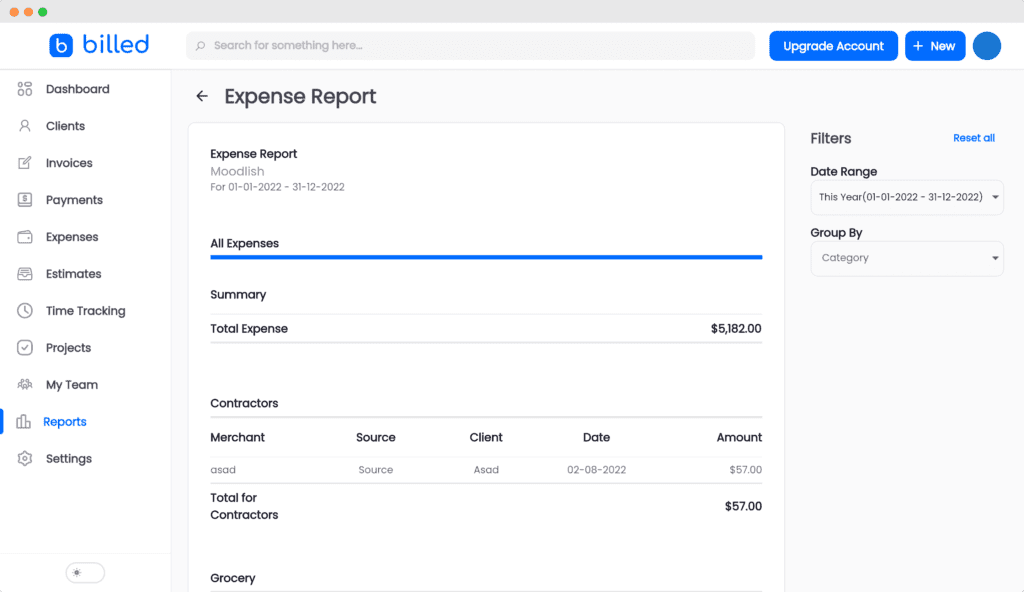
See where your business is spending most money and export expense reports for better accounting during tax season. Start Free
Income Vs Expense Report
See how profitable your business is with Income vs Expense report. This gives you a quick overview of your business and you can easily export this report. Start Free
Time Tracking Report
Billed allows you to keep track of your projects, time limits and progress. Start Free
Frequently Asked Questions
What reports can I generate in Billed?
Billed offers several built-in reports: Invoice Reports (paid, partially paid, and overdue), Expense Reports, Income vs Expense Reports, Top Selling Products, and Time Tracking Reports. Each report can be filtered by date range and exported.
Can I export reports from Billed?
Yes. All reports in Billed can be exported for use with your accountant, bookkeeper, or tax software. This makes end-of-year accounting and tax preparation straightforward.
Are reports generated in real time?
Yes. Billed reports pull live data from your account, so the numbers you see always reflect your current financial position. There is no delay or manual refresh required.
Can I generate separate reports for each of my businesses?
Yes. If you manage multiple businesses in Billed, each business has its own set of financial reports. You can view and export reports for each business independently, keeping your financial data organized.