

- 1.Recurring Invoices / Billing
- 2.Expense Tracking
Ever since we launched Billed we have received overwhelming response from the users and our visitors . Many businesses rely on Billed now to manage and organize their business.
Key Takeaways
- Five new features launched: recurring invoices, expense tracking, multi-user management, project management, and time tracking
- Recurring invoices automate billing for retainer clients so you never forget to send a monthly invoice again
- Time tracking connects billable hours directly to invoices, eliminating manual calculations and ensuring accurate client billing
We have people from all kinds of businesses using our platform to send invoices and get paid quickly. Try all these features with Billed's invoice software.
1.Recurring Invoices / Billing
Recurring Invoices are required in industry and they can save you a ton of time to focus on your business. You just need to create a Recurring Invoicing Profile for your customer once and Billed will do the rest for you ,you will not need to do anything further.
You will not have to create Invoices weekly or Monthly yourself. Billed will do that for you.
What is Recurring Invoices?
Recurring Invoices are automatically repeated Invoices which are sent to your customers automatically after a specific time which you have set.
Recurring Invoices are automatically sent to your customer and automatically charged. So you get paid Insanely faster with Recurring Invoices.
How to Create a recurring Invoice ?
Go to Recurring Profile option from the side bar and click 'New Recurring Profile'
Choose your Recurring Schedule, enter required invoice fields ,click save and you are good to go. Your invoices will be generated automatically and you will not have to spend time creating invoices for your regular clients or customers.
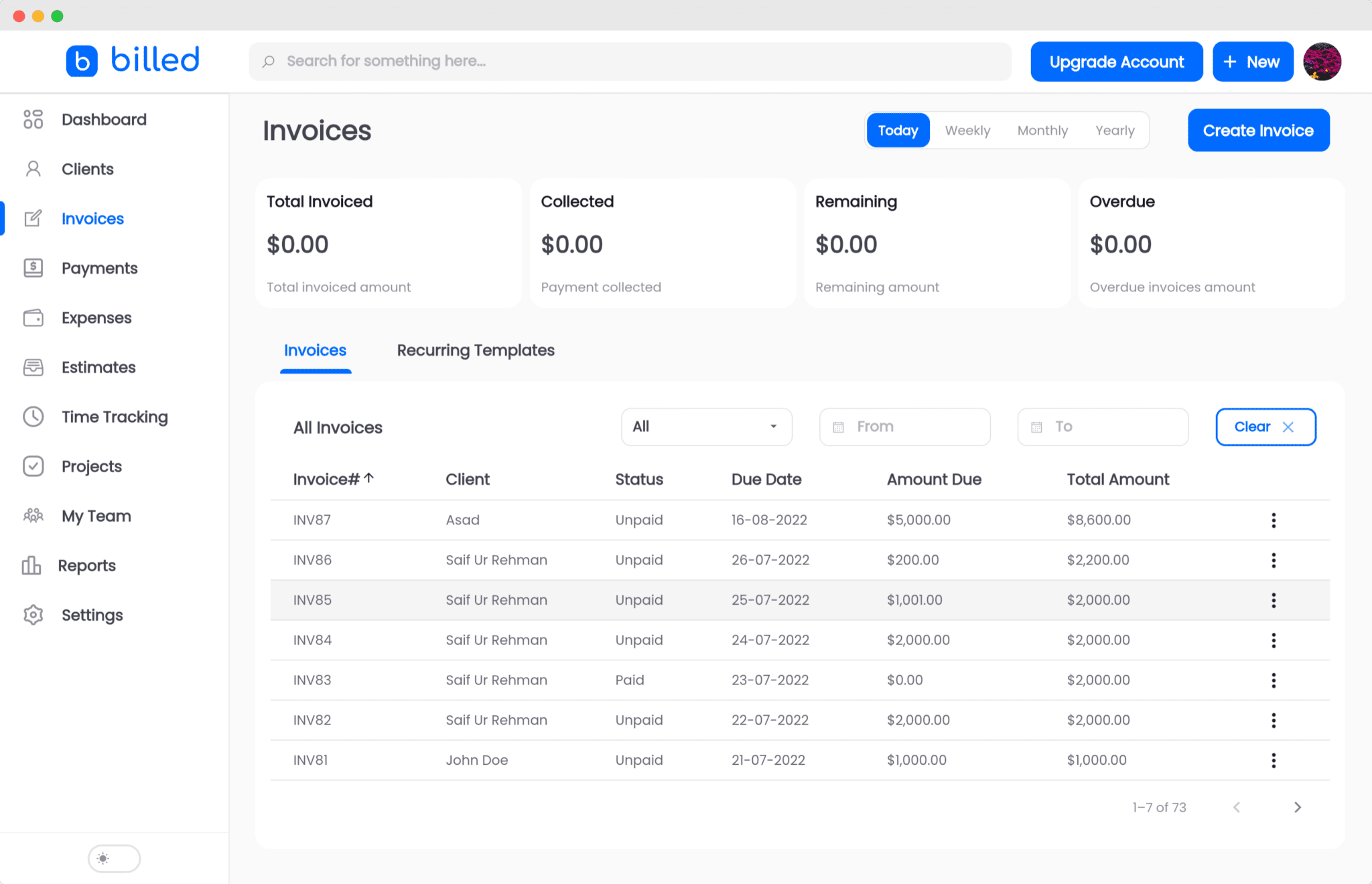
2.Expense Tracking
Expense tracking is very important for any business and we have just made it easier to manage it in once place.
This was the second most requested feature from our users as they wanted to manage Invoices and expenses in one place.
How to track Expenses?
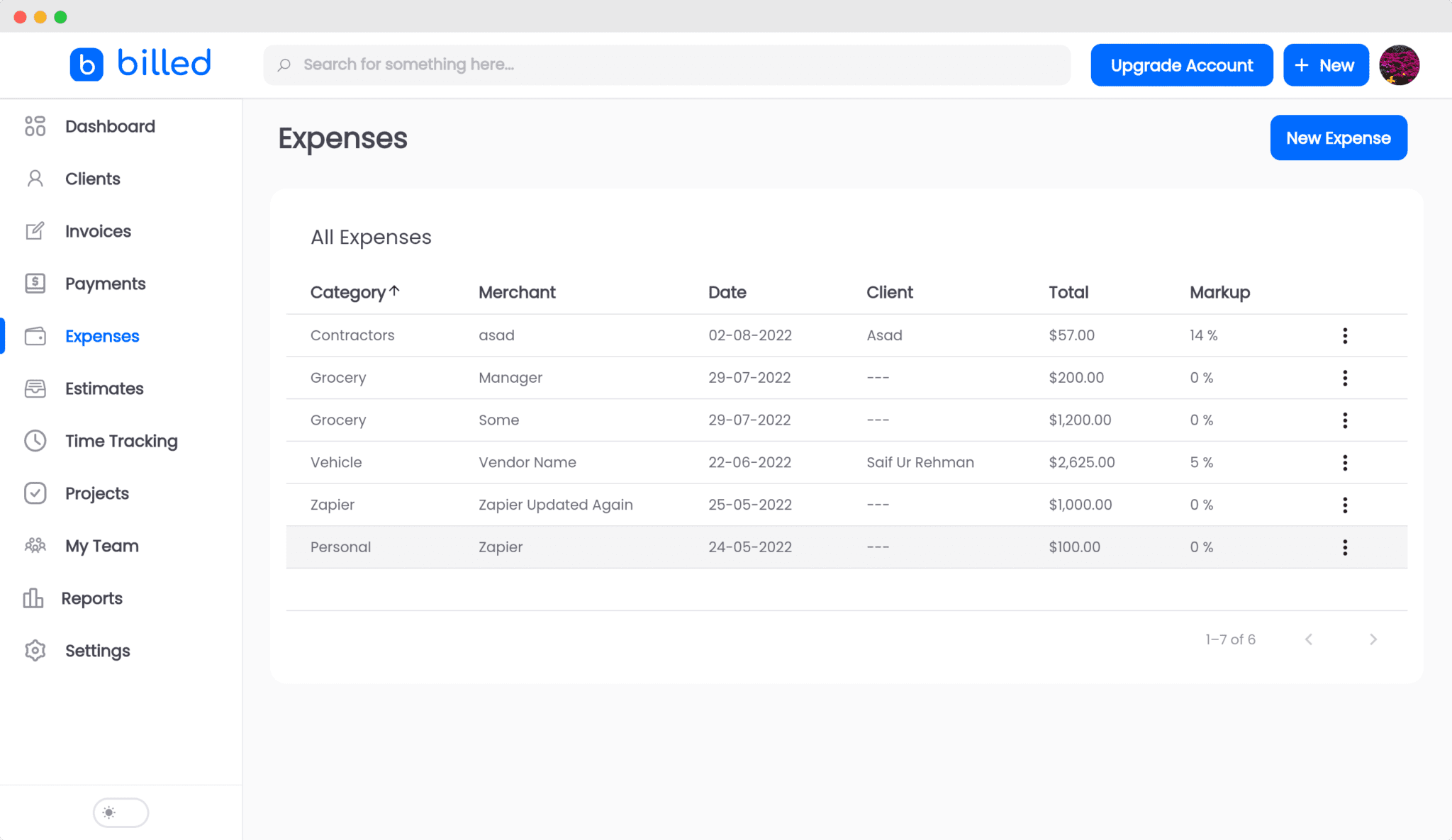
Expense tracking in Billed is very easy and simple to track your expenses go to "Expenses" option from the side bar and click "Add Expense"
You will be shown a popup. Follow these simple steps given below to add your expense.
- Choose or add new category of your expense.
- Choose or add the new Vendor.
- Choose the date.
- Enter your expense amount
- Add description for your expense
- Attach receipt if you want to with your expense
- Click save
We have also added the ability to import expenses from a csv file after your feedback.
3.User Management
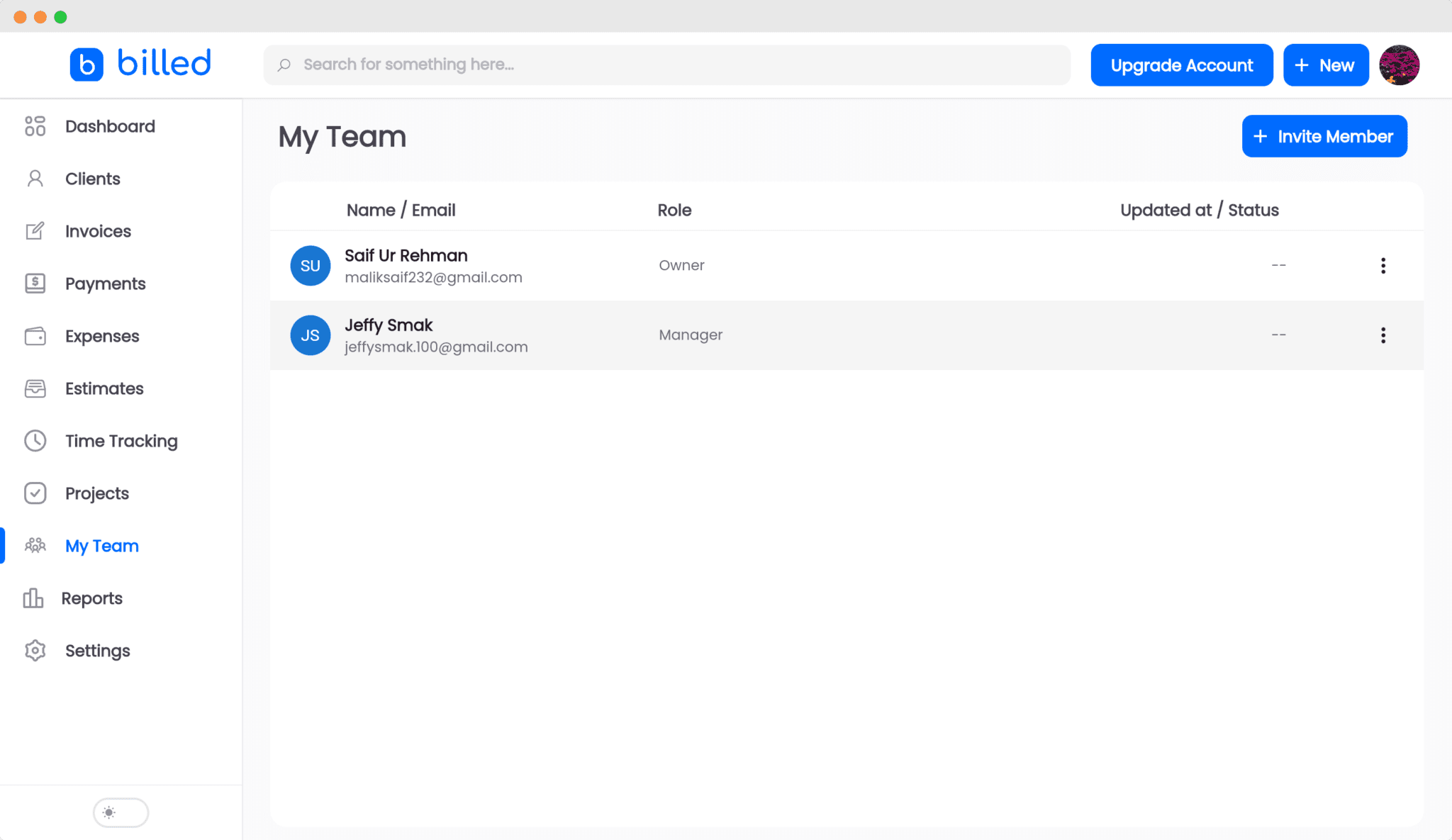
You can add and manage users now in Billed. You can add other users and your teammates to your Billed account so they can also manage the Invoices and other things.
Adding new users in Billed is very easy.
Go to Settings -> Manage Users and click Add New
Enter user details and click submit and your new user is added ;).
User Management is at an early stage and we are improving this feature even more to give you a smooth experience.
4.Project Management
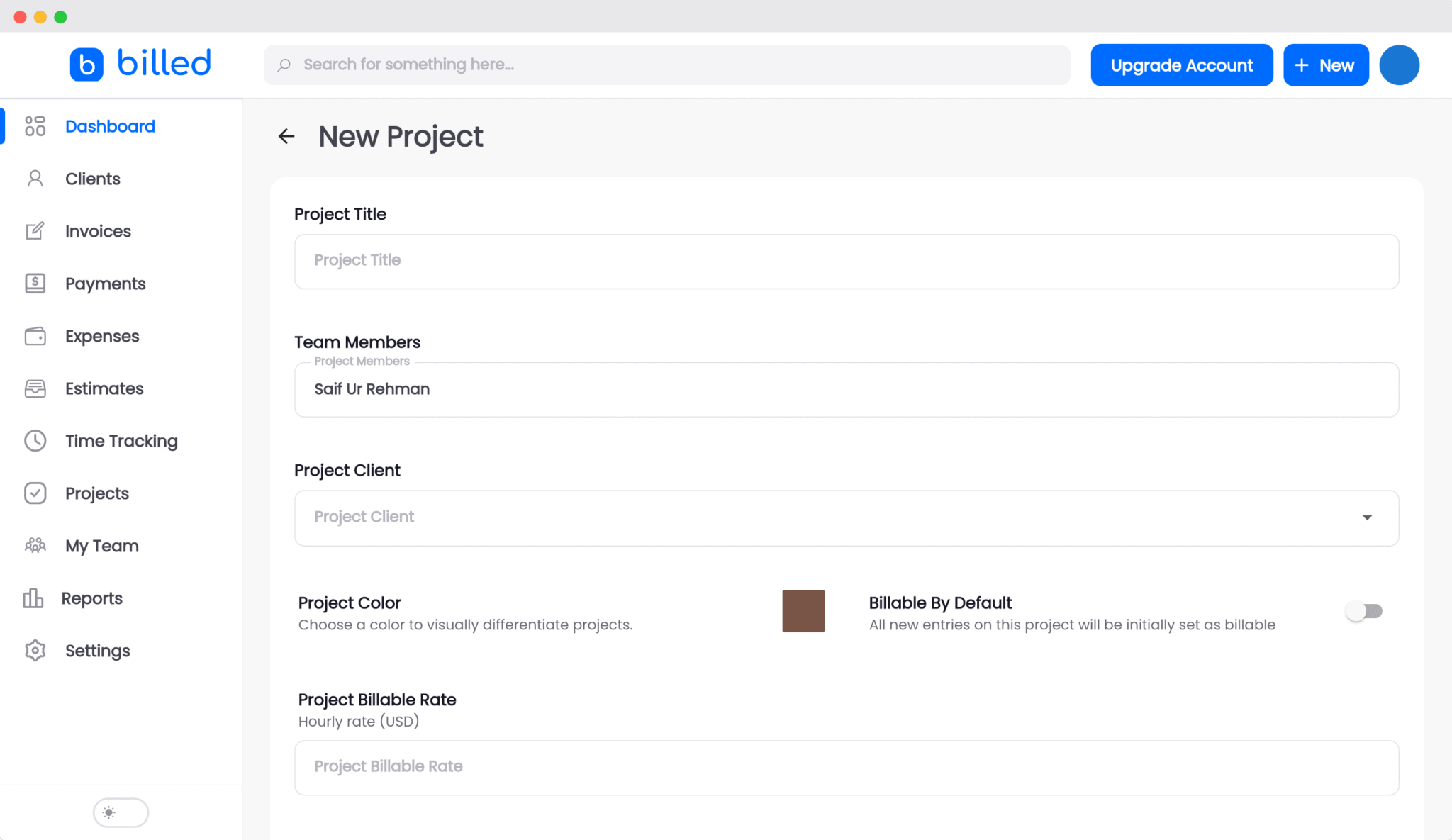
We are very happy to announce that we have added Project Management in Billed which means you can now easily manage all of your projects in Billed.
There are two types of projects supported in Billed, fixed rate and hourly rate. You can manage both types of projects in Billed .
You can easily add and manage tasks in the projects and log time. Invoices for the project are created project based for fixed rate projects and task based for hourly rate projects.
This saves you a lot of time and effort as you do not have to manually create and organise the invoices, Billed does that for you.
5.Time Tracking
Time tracking is very important, especially in the Freelance business where you are charging for your time.
We have now made it very easy to track your time so you can charge for your time easily.
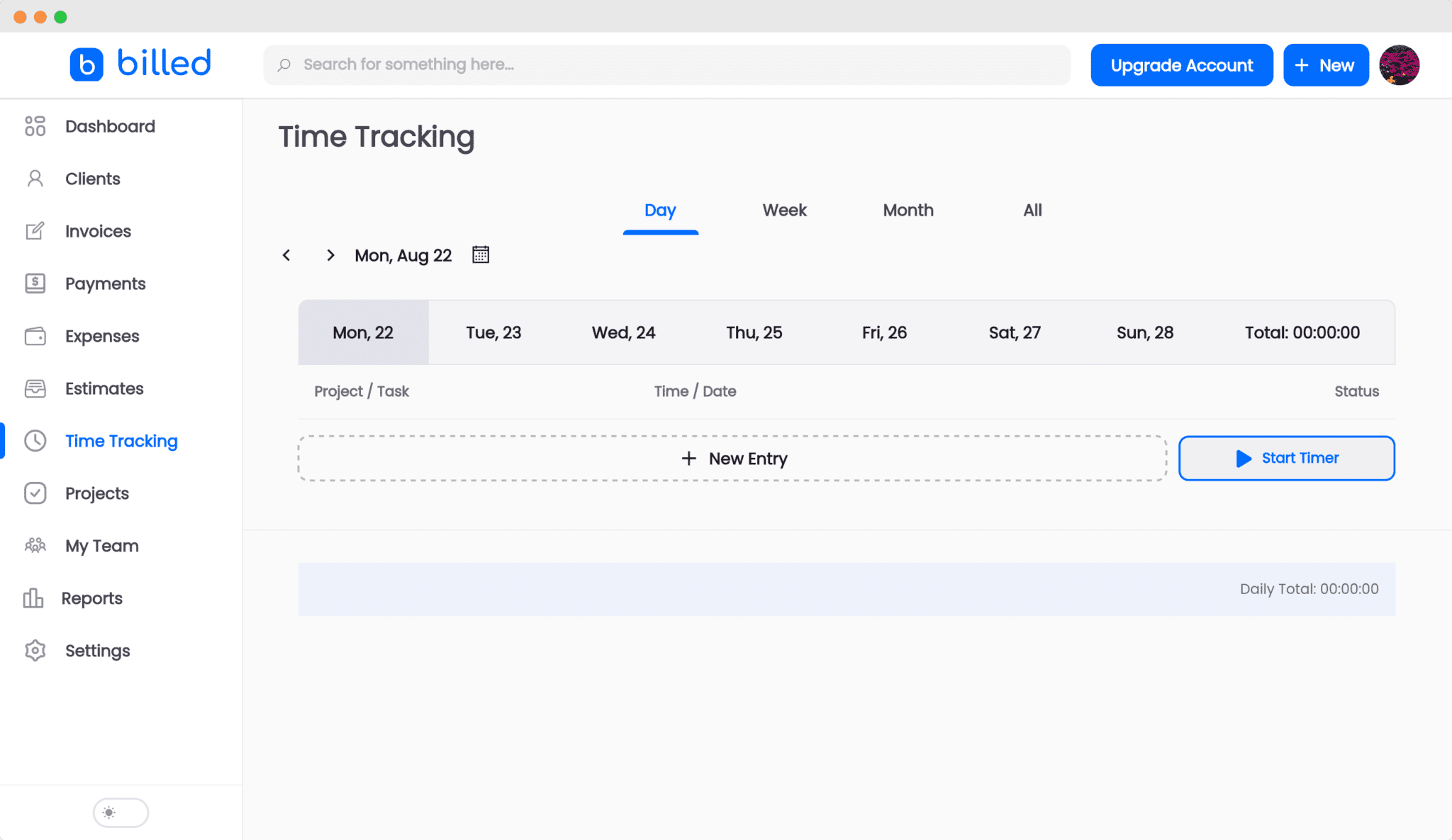
You can easily track your time by going to Time Tracking option for the sidebar and adding your task. Billed will automatically create invoices for you.
With time tracking you can focus more on your work and business while Billed handles all the invoicing and billing for you.
These were some major features we have introduced in Billed , we also made some minor changes related to currencies, taxes and other things which were related to user experience.
We have also added the ability to import and export customers,products,services and expenses.
There is a lot more coming to Billed as we are always working to improve your experience on our platform.
We value your feedback and read every email so keep giving us your feedback and if you need any help we are just one email away from you 🙂
Happy Invoicing.
Related Articles
- Introducing Billed: The Fastest Way To Create Invoices.
- Recurring Invoices Just Got Smarter
- Best Time Tracking Software for Freelancers in 2026
Frequently Asked Questions
What new features were added in this Billed update?
This update introduced five major features: recurring invoices for automated billing, expense tracking to log and categorize business costs, multi-user management for teams, project management to organize work by client and project, and time tracking to log billable hours directly within the platform.
Do I need to upgrade my plan to access the new features?
Feature availability depends on your Billed plan. Core features like invoicing and client management are available on all plans, while advanced features like recurring invoices, time tracking, and multi-user management may require a paid plan. Check the pricing page for a detailed comparison of what is included in each plan tier.
Can I track time and convert it directly into invoices?
Yes, Billed's time tracking feature lets you log hours by client and project, then convert tracked time directly into invoice line items with a few clicks. This integrated workflow ensures you capture all billable time accurately and reduces the manual effort of creating invoices from time logs stored in a separate tool.