
Free Catering Invoice Template
Catering Invoice Template Create invoices for your catering business in seconds
No credit card required. Cancel anytime.
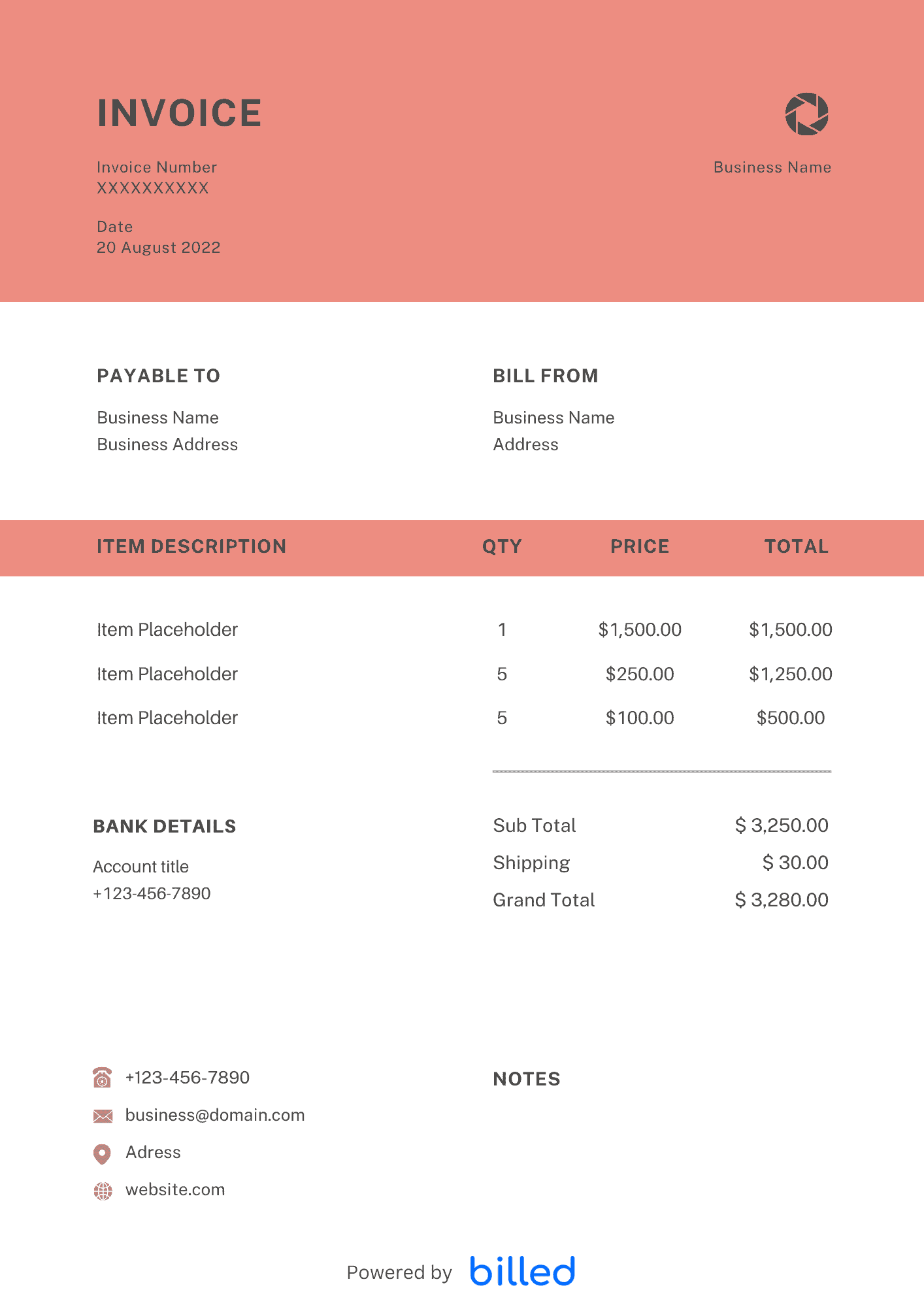
the Catering Invoice Template
Choose a template variation and download in your preferred format.
Create with Billed
Invoice With Billed
Create with Billed
Invoice With Billed
Create with Billed
Invoice With Billed
Create with Billed
Invoice With Billed
Create with Billed
Invoice With Billed
Create with Billed
Invoice With Billed
Get Your Free Catering Invoice Template
Though catering is an exciting business, yet it is hard to manage. Sometimes you and your team have to manage multiple events simultaneously or on the same day. Therefore, you need an invoice template that is as flexible as your business is.
So it can get very hectic, and then you have to send invoices to your customers to get paid faster. Creating manual invoices from scratch can take a lot of your time, so it’s essential to have a professional invoice template to customize as per your needs.
Catering Invoice Templates from Billed help you create professional invoices in minutes and get paid faster. Download the free catering invoice template to get paid quickly
Our free downloadable templates are available in , XLS, and .
What is the catering invoice used for?
Running a catering business smoothly is not an easy task. You will have to provide different services and, at the same time, create invoices for your clients.
If you want to get paid the right way for your services, you need invoices.
You can easily bill your client and get an immediate payment through Billed.
The catering invoice includes.
- Food and price details
- Total
- Preferred payment method etc.
You can make alterations according to your needs. Other benefits of using Catering Invoice Template include.
- Get paid in no time
- Never miss out the arrears
- Useable for taxes etc.
What should I include in my Catering Invoice?
Here are things that you should include in a catering invoice.
- A unique invoice number
- Catering services, address, and contact number
- Name of the client, address, and contact number
- Delivery date and time
- Number of attendees
- List of the meals and its detail
- Cost of services
- Payment date
- Payment method
- Signature etc.
How to receive payment on catering invoice?
Business stability depends on the cash flow, and every business owner wants to tackle the payments efficiently.
To get paid immediately or on your due date, you need to send professional invoices.
Get the free catering invoice template from the Billed for receiving the payment. There are various methods to receive your payments, some of which are as follows.
- Receive payment via credit card.
- Receive payment through bank transfer
- Receive payment through online banking
- Receive payment via offline method etc.
How to create Catering Invoice?
It is effortless and easy to create a catering invoice. Get a free catering invoice template from Billed and bill your client systematically.
Steps to create the invoice
- Download it from Billed
- Add your logo, choose the font and color, etc.
- Add your business name and address.
- Add your contact details.
- Add the customer name and contact details.
- Add services provided along with the description
- Grand total
- Payment method
- Save
- Send
Skip the Templates — Create Invoices Online
Why download templates when you can create professional invoices online with Billed? Customize, send, and get paid — all in one place.
No credit card required. Cancel anytime.
How To Create Your Invoice With Billed
Get started in minutes with three simple steps.
Sign Up Free
Create your free Billed account in seconds. No credit card required.
Customize Template
Choose and customize your invoice template with your business details.
Send & Get Paid
Send your professional invoice to clients and get paid faster.
Related Articles
Learn more about creating professional invoices for your business.
Ready To Create Your Invoice?
Join thousands of businesses using Billed to create professional invoices and get paid faster.
No credit card required. Cancel anytime.