
Invoice Template Excel
Excel Invoice Template Get a free, ready-to-use Microsoft Excel Invoice Template from Billed and create detailed and professional invoices in seconds
No credit card required. Cancel anytime.
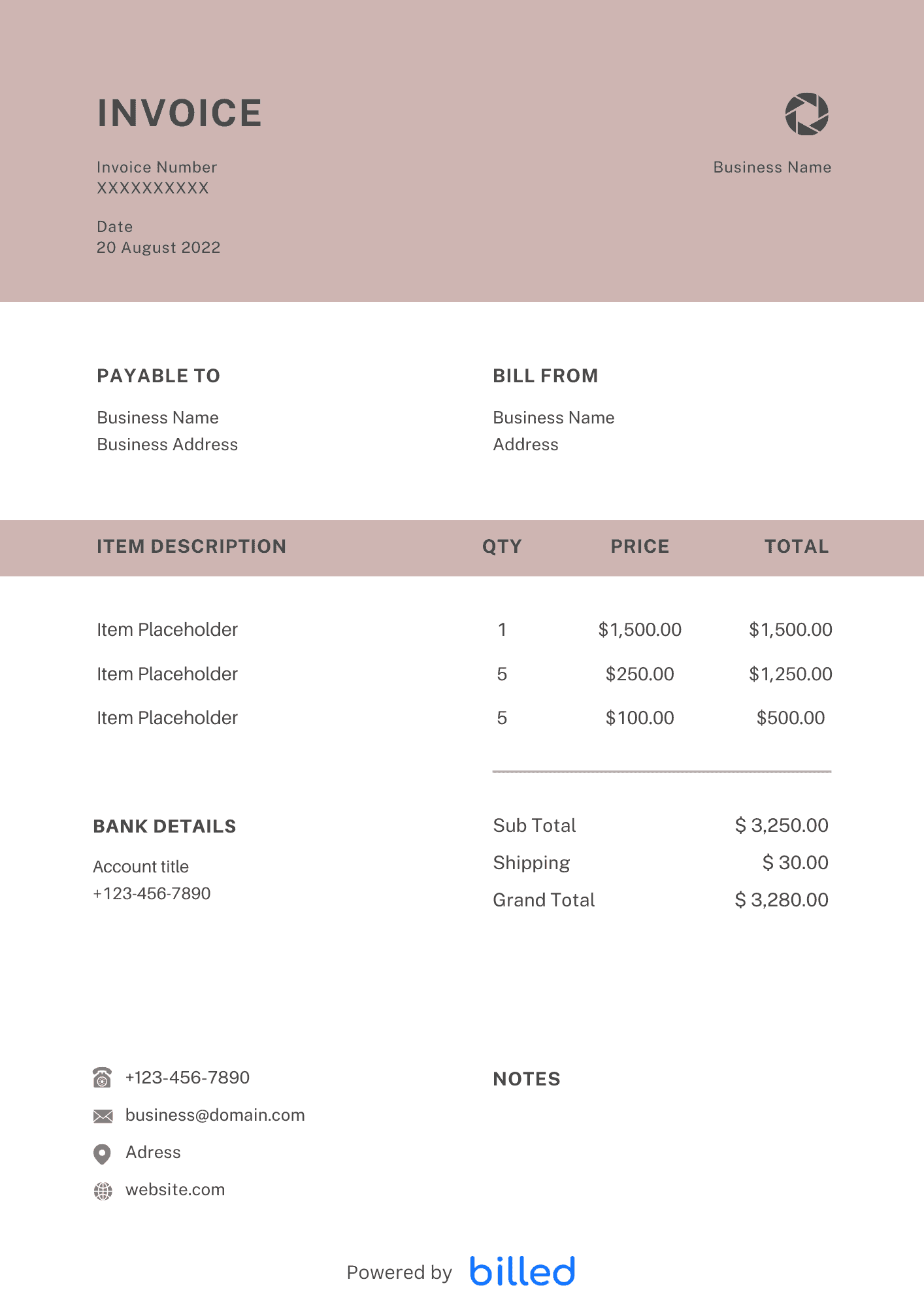
Excel Invoice Template
Choose a template variation and download in your preferred format.
Free Excel Bill
Download the free Excel bill template today to start making high-quality invoices right away.
Download:
Excel Work Order
Download this customizable, and beautiful work order template. It helps you create detailed invoices in just a few seconds.
Download:
Invoice Template Excel
Download this free invoice template excel to bill your clients easily. Just download it, edit it , and send.
Download:
Create Free Invoice
Get started for free and start getting paid faster. [Create My Free Invoice](https://my.billed.app/signup)
Download:
Excel Bill Template
Create professional invoices by downloading this beautiful bill template. Just fill it and send it.
Download:
Blank Excel Invoice
Get this free blank invoice template to professionally invoices your customers with ease.
Download:
Get Paid Faster
Accept online payments on your invoices to get paid faster. [Create My Free Invoice](https://my.billed.app/signup)
Download:
Sample Excel Invoice Template
Download this beautiful and easy to use invoice template today and create detailed and professional-looking invoices.
Download:
Free Excel Invoice Template
Looking for a free excel invoice template? Download this template to create professional invoices for free.
Download:
Get Your Free Excel Invoice Template
As a small business person, you have a lot on your plate. Managing clients, keeping track of finances, and sending invoices can feel overwhelming. But creating professional invoices doesn’t have to be complicated.
Simplify your invoicing process with our customizable invoice templates. It’s the perfect solution to help you get paid quickly and accurately for your services.
With the free invoice template from Billed, designed for Microsoft Excel, you can create and send invoices in just a few minutes. It’s as easy to use as any blank Excel workbook, making it an excellent choice for anyone familiar with Microsoft Excel.
You can download the template in various formatsincluding , . Choose the best format for you and start streamlining your invoicing today.
How to Send an Excel Invoice to Your Clients?
Once you’ve customized your Excel invoice using Billed, you can send it to your clients. Here’s what you need to do:
- To access the saved .xls file, open it on your computer, mobile device, or any compatible platform you are using.
- Double-check that all the details on the invoice are accurate and ensure that it is named appropriately for your client.
- You have two options for sending the invoice to your client:
Email: Attach the Excel file to an email and send it to your client. You can add a personalized message explaining the invoice and any additional instructions.
Print and Mail: If you prefer a physical copy, print off the completed invoice and mail it to your client’s address. Make sure to use a secure mailing method.
- Once you have chosen the suitable method, send the invoice to your client.
That’s it! You have successfully sent your Excel invoice to your client. By using Billed, you can efficiently manage your invoicing process and ensure a professional presentation to your clients.
Some Other Templates
How To Create and Invoice In Excel?
To create an invoice in excel, follow the simple steps given below.
- Open Microsoft Excel on your computer.
- Click on “New”.
- You will see a search bar. Enter the word invoice and press Enter.
- Microsoft will show you a lot of templates from their Library.
- Choose the excel invoice template that suits your business.
- Click Create.
- Add your company name, client name, address.
- Enter the line items and check the total of the invoice.
- Add the due dates.
- Customize color etc to match your business branding.
- Click Save or “Ctrl+S”
- Click on “File” and choose Print or Save as PDF so the invoice can’t be edited.
- Your invoice is ready to send, attach the invoice with the email or print it out for your customer.
Skip the Templates — Create Invoices Online
Why download templates when you can create professional invoices online with Billed? Customize, send, and get paid — all in one place.
No credit card required. Cancel anytime.
How To Create Your Invoice With Billed
Get started in minutes with three simple steps.
Sign Up Free
Create your free Billed account in seconds. No credit card required.
Customize Template
Choose and customize your invoice template with your business details.
Send & Get Paid
Send your professional invoice to clients and get paid faster.
Related Articles
Learn more about creating professional invoices for your business.
Ready To Create Your Invoice?
Join thousands of businesses using Billed to create professional invoices and get paid faster.
No credit card required. Cancel anytime.