
Professional Estimate Template
Professional Estimate Template Creating a professional estimate for a project can be a challenging task
No credit card required. Cancel anytime.
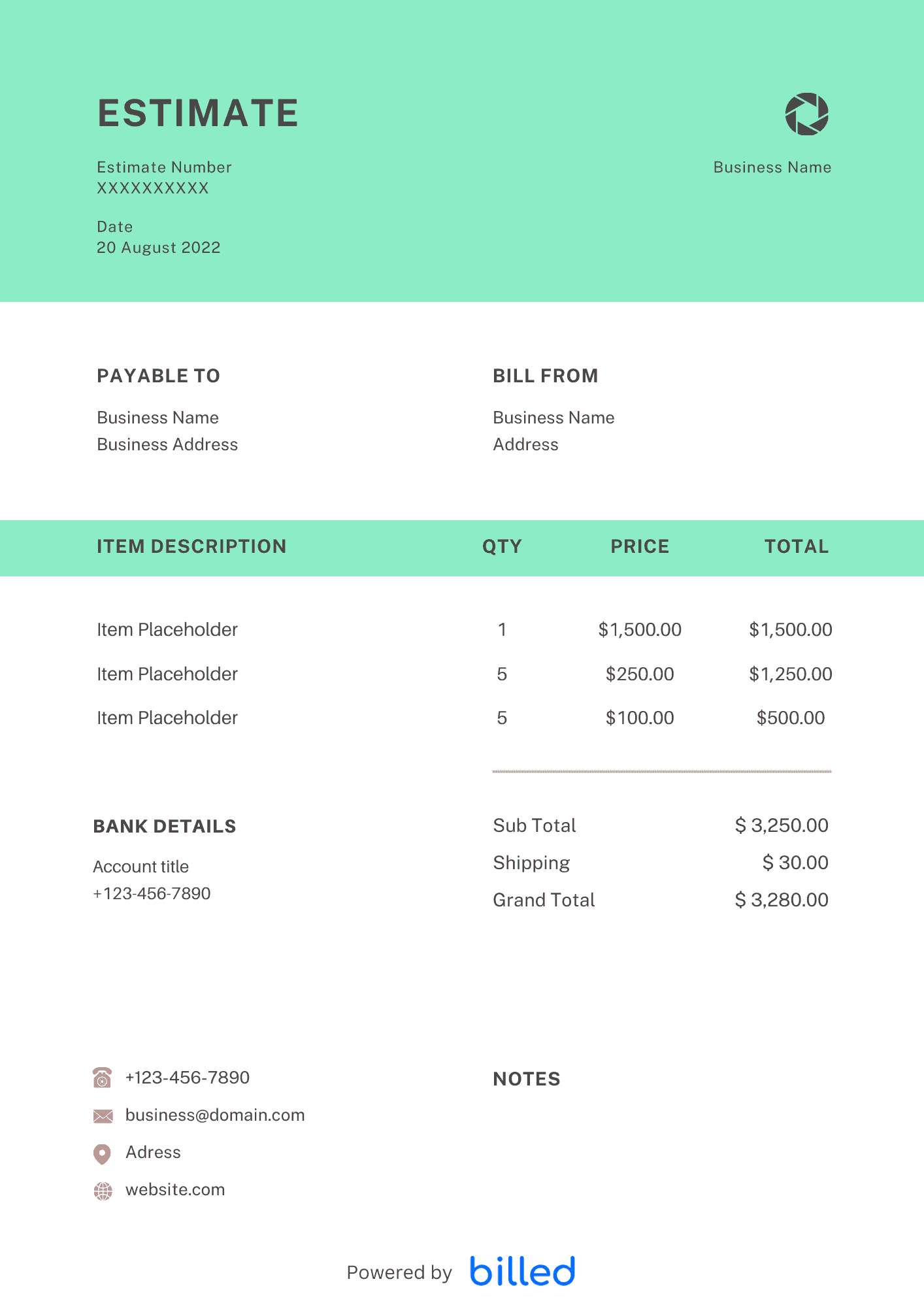
Free Professional Estimate Templates
Choose a template variation and download in your preferred format.
Construction Estimate Template
If you want to provide a high-quality and accurate estimate of the amount and cost involved in providing services or products. This business estimate template helps you clarify the scope of a job and an understanding of both the activity and items that are required to complete the project.
Create with Billed
Get Your Free Professional Estimate Template
Download the free professional estimate template from Billed to create detailed and accurate estimates that reflect your professionalism. You can quickly adapt its format, add your logo, add a personal message, or add fields for tracking and reporting within a few seconds.
Our beautiful and editable professional estimate templates are available in , XLs, and , edit them, and email them to your customers.
How to Make a Professional Estimate?
The estimate does not have a specific format. The purpose of the estimate is to consider the transaction conditions and decide whether to accept the order, items, unit prices, quantities, units, and subtotals. Minimum items such as are required.
- Download the free professional estimate template from Billed in your favorite format.
- Add your business information, including company name, logo, and contact details.
- Enter the client’s name, address, and contact details in the designated section.
- Describe the scope of work or services to be performed. Include specifics like project timelines, tasks, materials needed, and additional notes or requirements.
- Use the template’s predefined sections to itemize and estimate the costs involved in the project. This may include labor, materials, equipment, permits, taxes, and applicable discounts or taxes.
- Sum up the costs and provide a total estimate for the project. If necessary, include separate subtotals for different cost categories to provide transparency to the client.
- Clearly state payment terms and conditions, such as due dates, accepted payment methods, and deposit requirements. Specify if any milestones or progress payments are applicable.
- Save and share a copy of the estimate template for your records and share it with the client. Consider providing the estimate in both printable and digital formats for convenience.
Skip the Templates — Create Estimates Online
Why download templates when you can create professional estimates online with Billed? Customize, send, and get paid — all in one place.
No credit card required. Cancel anytime.
How To Create Your Estimate With Billed
Get started in minutes with three simple steps.
Sign Up Free
Create your free Billed account in seconds. No credit card required.
Customize Template
Choose and customize your estimate template with your business details.
Send & Get Paid
Send your professional estimate to clients and get paid faster.
Frequently Asked Questions
Common questions about this estimate template.
Related Articles
Learn more about creating professional estimates for your business.
Ready To Create Your Estimate?
Join thousands of businesses using Billed to create professional estimates and get paid faster.
No credit card required. Cancel anytime.