
Free Cake Invoice Template: Free Template & Guide
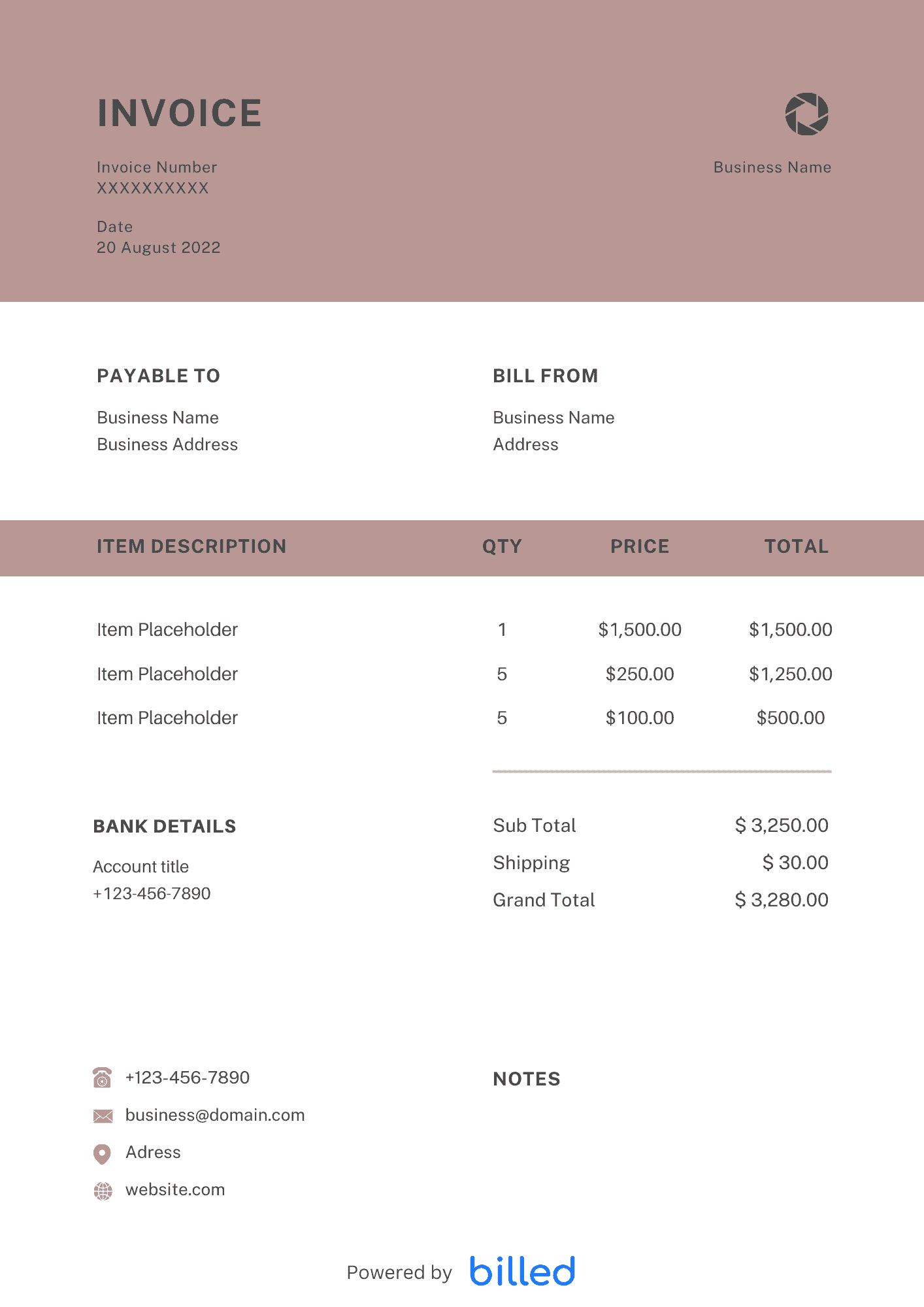
Cake Invoice Template The free Cake Invoice Template from Billed is a user-friendly tool that effortlessly generates detailed and organized invoices tailored for cake orders
No credit card required. Cancel anytime.
Key Features
Everything you need in a professional invoice template.
the Cake Invoice Template
Choose a template variation and download in your preferred format.
Create with Billed
Get Your Free Cake Invoice Template
You never compromise on the taste and bake the finest cakes ever for your clients. Therefore, how can you compromise on the complicated and unprofessional invoice to bill your clients?
But no need to worry; you can easily create a well-organized and customizable cake invoice with Billed.
Download our beautiful and editable invoice templates for free and start billing your clients professionally and ideally.
Available in various formats
What Is a Cake Invoice Used For?
As a professional cake maker, you value your client’s emotions attached to the jubilation and make the client happy by presenting visually appetizing cakes. In the same way, you also need to generate a professional and detailed invoice to smoothly and effortlessly enjoy your charges.
Download the free cake invoice from Billed, and take your business to the next step with the following advantages.
- Bill your client immediately
- Get paid in no time, ideally
- Keep track of all clients payments
- Calculating the monthly or annual income no more headache
- Printable format
- Very handy at the time of filling the tax
- Organizing the business transaction correctly.
Get started today with Billed, and create professional and detailed invoices in a few minutes, and get paid promptly in the right way.
In day-to-day operation, this section matters because clients reading the invoice are scanning for a small set of cues — what was delivered, when, how much, and how to pay — and any field that goes missing or is unclear creates a back-and-forth that delays payment. Keep the language plain, the numbers visible, and the next step (Pay Now / Confirm) one click away. If you set up these sections once as a saved template, every future invoice ships in seconds with the same clean structure rather than getting rebuilt from scratch each time.
What are the benefits of using your cake invoice templates?
Using our cake invoice templates offers several benefits:
Time-saving: Our templates allow you to quickly generate professional invoices, saving you valuable time that can be spent on your cake-making craft.
Customization: You can easily personalize the templates with your business logo, contact information, and specific details for each order, ensuring a polished and professional look.
Clarity and Accuracy: The structured format of our templates helps you include all necessary information, minimizing errors and ensuring clear communication with your clients.
Professionalism: Presenting clients with well-designed invoices enhances your business’s image, showcasing your commitment to professionalism and customer satisfaction.
Easy Payment Tracking: Billed templates enable you to record payment details, making it convenient to track outstanding payments and manage your cash flow.
Compatibility: Our templates are available in various formats. DOC, XLS, or. PDF can be used with popular software like Google Docs and Google Sheets, ensuring compatibility and ease of use.
By utilizing Billed cake invoice templates, you simplify your invoicing process, maintain professionalism, and streamline your business operations.
.
Invoice Types for Cake Orders
Regarding cake orders, there are various types of cake invoice templates to suit different occasions. These templates are named after the purpose or type of cake ordered, making it easier to identify and manage the invoices.
Here are a few examples of cake invoice templates:
Shower Cake: Ideal for invoicing baby shower cakes, capturing the joyous celebration of welcoming a new arrival.
Birthday Cake: Specifically designed for billing birthday cakes, ensuring each special milestone is recognized and accounted for.
Wedding Cake: Tailored for elegant wedding cakes, enabling smooth invoicing for couples’ memorable moments.
Layer Cake: Perfect for multi-layered cakes, you can bill accordingly for the intricacy and effort put into each tier.
Sheet Cake: Designed for invoicing sheet cakes for larger gatherings or events, making billing a breeze.
Cupcakes: Ideal for individual cupcakes, simplifying the invoicing process for these delightful treats.
These cake invoice templates make it simple for anyone with specialized knowledge to understand and utilize them effectively.
.
How to Create a Cake Invoice?
Creating a business invoice is simple with our free cake invoice template. Just follow these steps:
Download the Template: Get started with our free cake invoice template from Billed.
Customize Header: Add your business logo, company name, address, and contact details at the top of the invoice. This gives the invoice a professional and branded appearance.
Input Client Information: Below the header, enter the client’s name, address, and contact information. Ensure accuracy for effective communication.
Assign an Invoice Number: Generate a unique invoice number and include it prominently. This helps with organization and reference.
Specify Invoice Date: Indicate the date when the invoice is issued. This helps both you and your client track payment timelines.
Itemize Products or Services: List the products sold or services provided, along with a description, quantity, unit price, and line item subtotal. Include any applicable taxes or discounts.
Calculate Subtotals and Total Amount: Calculate the subtotal by adding the line item totals. Then, include any additional charges or taxes to determine the final amount due.
Outline Payment Terms: Clearly define the payment terms, including the due date, accepted payment methods, and any late payment penalties or early payment discounts.
Review and Save: Double-check all the information for accuracy and completeness. Save a copy of the invoice with a descriptive filename for future reference.
Following these steps, you can quickly customize our cake invoice template with your logo and contact details, input client information, itemize products or services, and outline payment terms. This ensures a professional and comprehensive invoice that simplifies your billing process.
Skip the Templates — Create Invoices Online
Why download templates when you can create professional invoices online with Billed? Customize, send, and get paid — all in one place.
No credit card required. Cancel anytime.
What's included in this invoice template
| Feature | Included |
|---|---|
| Custom cake order details with tier count, size, and flavor fields | Included |
| Decoration and topper itemization with complexity-based pricing | Included |
| Deposit requirement with balance-due scheduling before delivery | Included |
| Delivery and setup fee line items with location details | Included |
| Tasting session and consultation charge fields | Included |
How we built this template. We reviewed 4+ of the most common billing questions Cake Invoice Template ask and mapped each answer to a specific invoice field. The template structure reflects what paid invoices look like — not what a generic template generator would output. For each comparison or claim, we cross-referenced at least one primary source (the vendor's pricing page, an official government dataset, or a published industry report) and noted where the source disagrees with widely-cited secondary numbers. Where source figures change frequently (tax rates, vendor pricing tiers, regulatory thresholds), we flag the data point so it can be re-verified at the start of each filing or fiscal period.
When this isn't for you
If you are running on an ERP (NetSuite, SAP, Oracle) or industry billing suite (medical, construction PM, law practice management), use that system's built-in invoicing. A standalone template creates a reconciliation problem rather than solving one. This template is built for solo operators and small teams that bill directly. Operationally, the structure here breaks down once you cross the threshold of having a dedicated finance/billing team, multi-entity consolidation needs, or a regulated payer environment that mandates specific claim or billing formats. In those cases, treat this as background context and follow your platform's or payer's required workflow rather than a generic best-practice template. For teams under 20 people doing direct-to-client billing, this remains the right starting point — the rubric breaks at the enterprise/ERP boundary, not at small-team scale.
How To Create Your Invoice With Billed
Get started in minutes with three simple steps.
Sign Up Free
Create your free Billed account in seconds. No credit card required.
Customize Template
Choose and customize your invoice template with your business details.
Send & Get Paid
Send your professional invoice to clients and get paid faster.
Frequently Asked Questions
Common questions about this invoice template.
Related Templates
Explore more templates for your business.
Related Articles
Learn more about creating professional invoices for your business.
Ready To Create Your Invoice?
Join thousands of businesses using Billed to create professional invoices and get paid faster.
No credit card required. Cancel anytime.