
Fence Installer Invoice Template
Fence Installer Invoice Template Separate posts, panels, gates, and demo fees on every job
No credit card required. Cancel anytime.
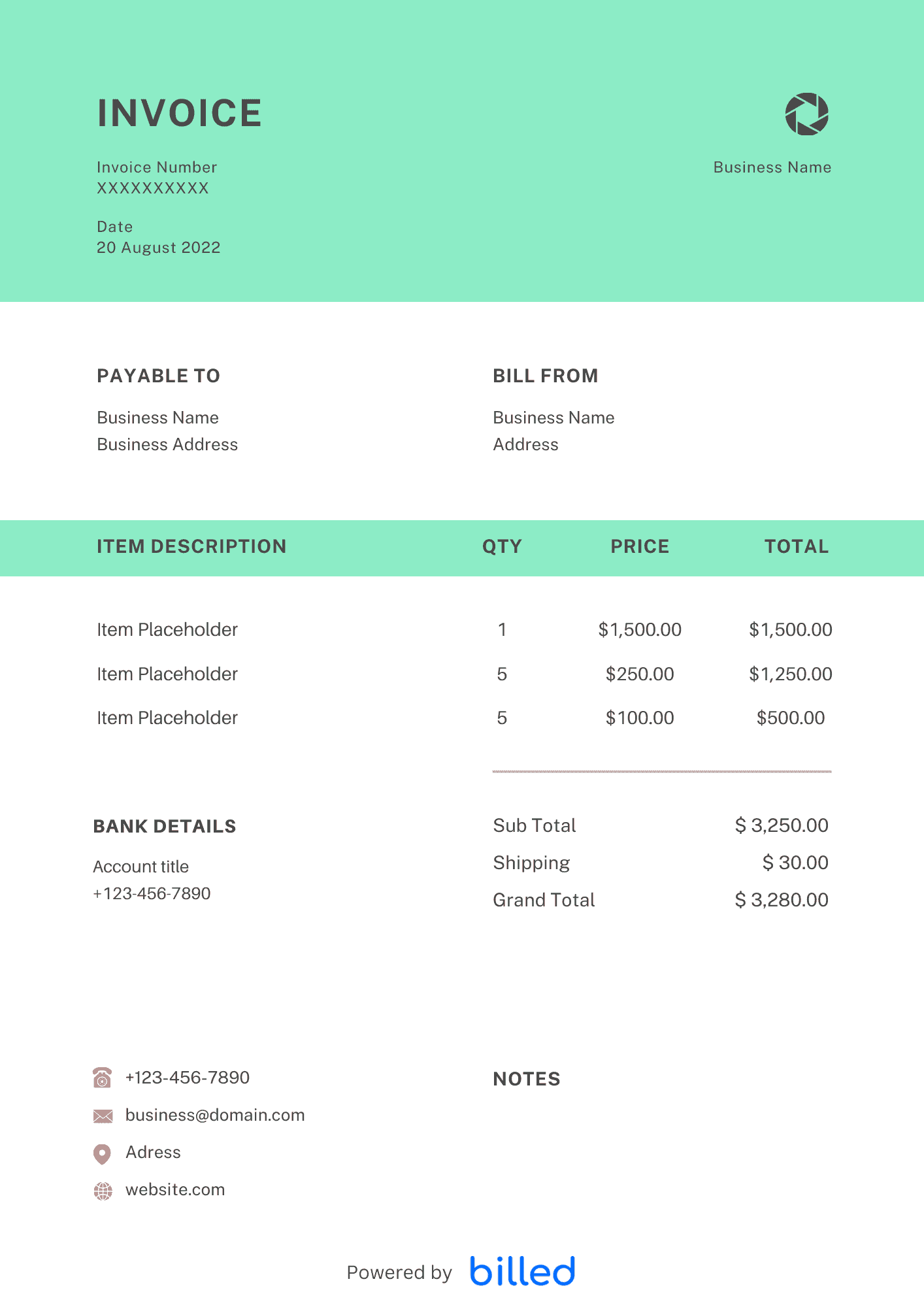
Progress Billing and Final Draws
Large residential and HOA projects often use deposit, mid-project, and completion payments. Each invoice should reference the contract section and show retainage if applicable. Line items for materials received versus labor performed keep owners from confusing product deposits with finished footage.
Typical Line Items
Include removal and disposal of old fencing, new posts and concrete, panels or pickets, gates with hardware, rock drilling surcharges, temporary construction fencing, and permit pass-through. If you stock materials before install day, note partial billing for stored inventory when your contract allows.
Change Orders
When the customer adds height, linear feet, or a second gate mid-job, issue a change-order invoice or addendum with its own subtotal. Sequential numbering ties every document back to the original quote.
Use Familiar Formats
Build your version in , or . Billed helps you track which draws are paid and send reminders before you mobilize the crew for the next phase.
See landscaping, construction, and all invoice templates.
Job Costing and Lien Deadlines
Match invoice sections to your internal job-cost codes so you can see whether lumber spikes ate margin on a specific neighborhood. Note delivery ticket numbers on material lines when suppliers short a load—that paper trail speeds credit memos. If your state requires preliminary notices, calendar those deadlines beside invoice send dates so rights stay protected. When HOA architectural committees delay approvals, pause billing milestones until written clearance lands to avoid rework arguments.
Skip the Templates — Create Invoices Online
Why download templates when you can create professional invoices online with Billed? Customize, send, and get paid — all in one place.
No credit card required. Cancel anytime.
How To Create Your Invoice With Billed
Get started in minutes with three simple steps.
Sign Up Free
Create your free Billed account in seconds. No credit card required.
Customize Template
Choose and customize your invoice template with your business details.
Send & Get Paid
Send your professional invoice to clients and get paid faster.
Frequently Asked Questions
Common questions about this invoice template.
Related Templates
Explore more templates for your business.
Related Articles
Learn more about creating professional invoices for your business.
Ready To Create Your Invoice?
Join thousands of businesses using Billed to create professional invoices and get paid faster.
No credit card required. Cancel anytime.