
Simple Invoice Template
Simple Invoice Template Download the free simple invoice template from Billed and get the professional and simple invoicing solution for your business
No credit card required. Cancel anytime.
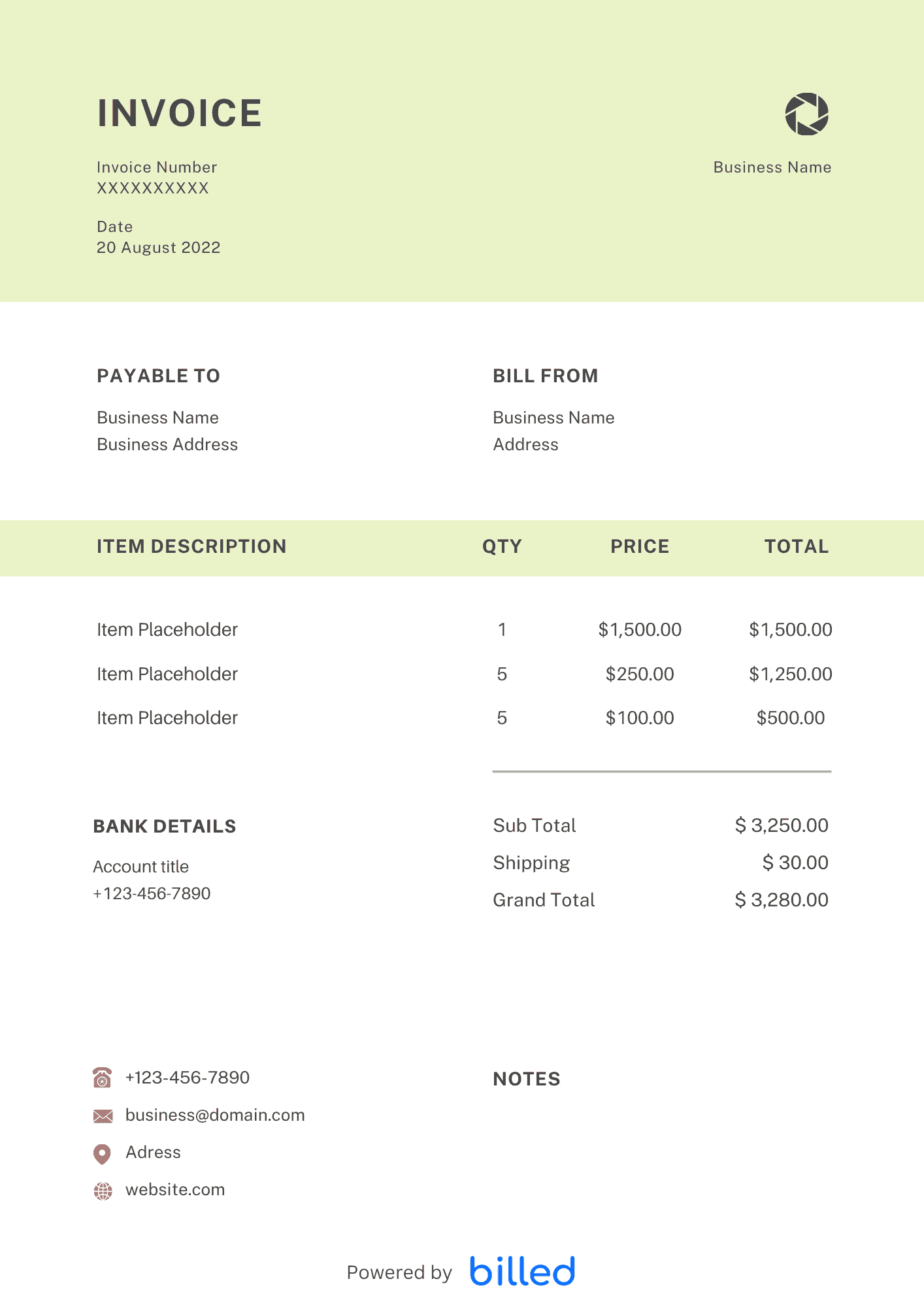
Simple Invoice Template
Choose a template variation and download in your preferred format.
Create with Billed
Create with Billed
Get Your Free Simple Invoice Template
After the completion of every project, it’s time to get compensated before long. Don’t waste your valuable time on unpaid and complicated invoices.
Get the free invoices template from Billed, and run your small business more effectively and smoothly.
Our stylish and customizable templates are available in various friendly formats and . Browse more free templates browse our invoice templates.
How to Fill in a Simple Invoice Template?
Keep things simple. With our basic invoice template, you can easily customize blank invoices according to your small business needs. You do not need to get tangled with complicated and expensive tools. Simply free download our invoice template, customize, and send.
Do you want to get your professional-looking invoice template? Then, you must download this invoice template right now and customize the blank fields. Our stylish and editable invoice template is available in friendly formats like Word, Excel, or PDF. Create an invoice that your clients love to respond quickly.
Follow the given steps and customize a simple invoice for your business:
- Download the free “Simple Invoice Template” from Billed in friendly formats like Microsoft Word, MS-Excel, and PDF.
- Open the invoice template on your computer.
- Add your business logo in different fonts and colors.
- Add your business name, and contact details.
- “Save” the invoice template.
- Make a hard copy of your invoice template to make an invoice for your client.
- Fill in the invoice fields. Add your client’s name and contact information.
- Add the services provided and the price for each.
- Calculate the total cost.
- Add payment terms and conditions.
- Add privacy policy.
- “Save.”
With the help of this stylish invoice template, you can easily create professional and detailed invoices, that help your clients to know where the invoice came from, what services were rendered and how and when they should release your payments so you could get paid properly and timely.
You can even include your custom logo, brand colors, font, and more. To get paid entirely and immediately, fill out the basic invoice template with all the necessary details.
How to Send a Simple Invoice to Your Clients?
Are you ready to send your first professional-looking and well-organized invoice and get paid at once?
- Download the free invoice template from Billed, fill it out with all of the important details, send it to your client, and get ready to collect your payments.
- Open the saved invoice that you have created for your client.
- Give the invoice the appropriate name
- Add the client’s name
- Add the invoice number.
- Make sure your invoice contains all the necessary information.
- Analyze the services provided, costs,
- Calculate total,
- Add payments terms and conditions
- Add invoice issuance date
- Add the due date.
- Send the final invoice by using your business email account. Add your client’s name and email address, write a custom message, and attach the invoice to the email as a Microsoft Word.DOC or PDF. Printable formats allow you to send invoices through the regular post.
How to Create a Simple Invoice?
You can easily send branded and stylish invoices to your clients with Billed. Start creating simple invoices with us for your small business and get paid promptly and ideally. Follow the given instructions and create a simple invoice for your business.
- Download the free “Simple Invoice Template” from Billed in your favorite format (PDF, Word, Excel).
- Open the new invoice doc in the desired format.
- Add your business name and contact details.
- Add your business’s logo in different fonts and colors.
- Add the fields in the template to create your invoice.
- Add your client’s name and contact details.
- Add the list of services provided and the cost for each.
- Add your payment terms and conditions.
- Add the invoice issuance date.
- Add payment due date.
- Add privacy policy.
- Save.
- Send via email or Billed.
You can quickly fill out your business information in our blank invoice templates, add your services and products along with the price. You can choose your favorite accepted payment methods. By outlining payment terms, you can let clients know exactly when you expect to get paid.
You can also include your business name and logo. Create professional, useful invoices to receive payments quickly in the right way, every time.
Skip the Templates — Create Invoices Online
Why download templates when you can create professional invoices online with Billed? Customize, send, and get paid — all in one place.
No credit card required. Cancel anytime.
How To Create Your Invoice With Billed
Get started in minutes with three simple steps.
Sign Up Free
Create your free Billed account in seconds. No credit card required.
Customize Template
Choose and customize your invoice template with your business details.
Send & Get Paid
Send your professional invoice to clients and get paid faster.
Frequently Asked Questions
Common questions about this invoice template.
Related Articles
Learn more about creating professional invoices for your business.
Ready To Create Your Invoice?
Join thousands of businesses using Billed to create professional invoices and get paid faster.
No credit card required. Cancel anytime.