
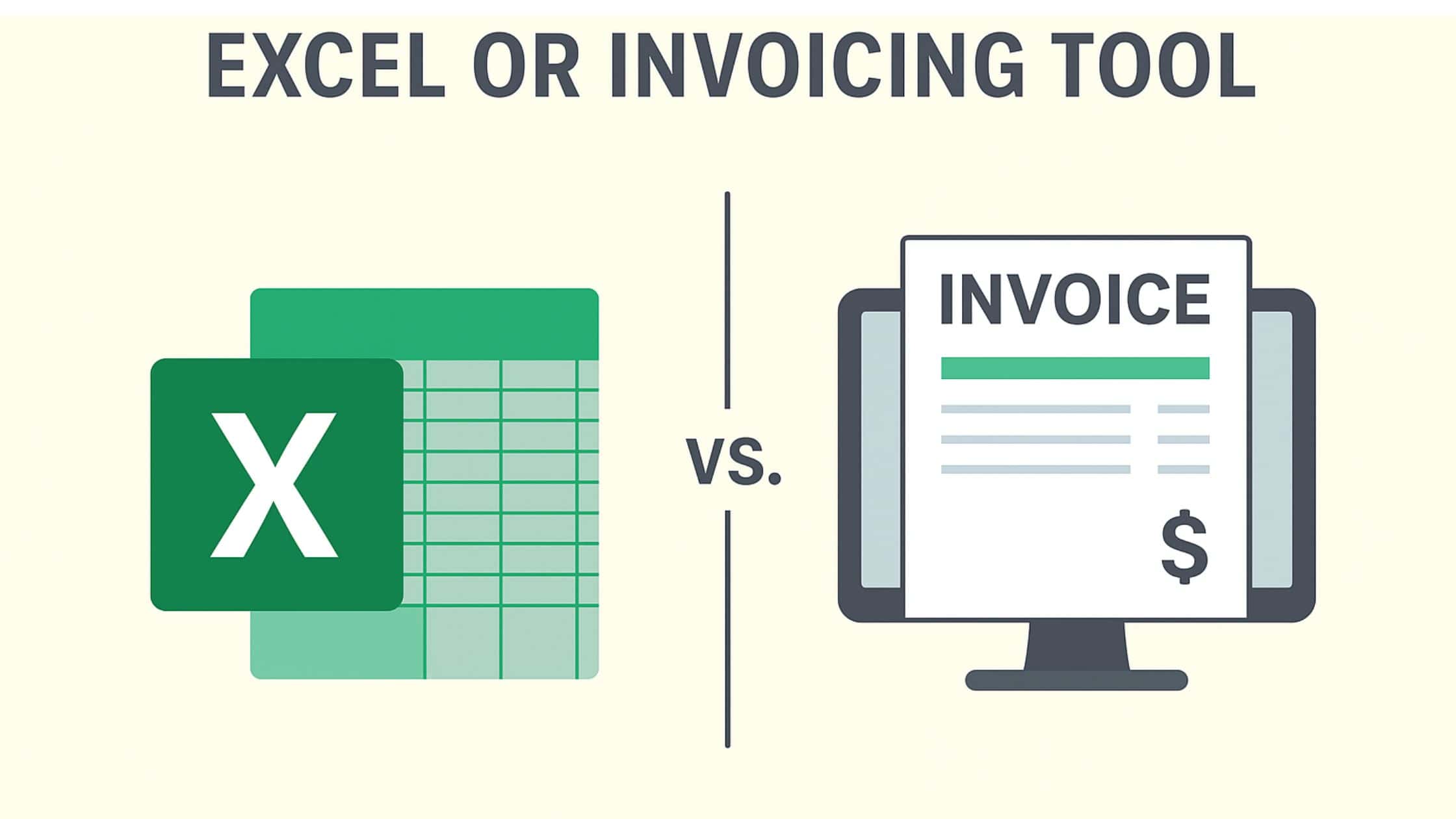
- What are the benefits of an invoicing tool?
- What are the advantages of using an Excel spreadsheet for invoicing?
Excel vs Invoicing Software Best Choice for Small Business: a practical breakdown of what it means, when it applies, and how to use it.
For managing your business finances, choosing the right invoicing method can make a big difference. While Excel might seem like a simple and accessible option, modern invoicing tools offer features that go far beyond basic spreadsheets. Whether you’re just starting out or looking to simplify your workflow, understanding the pros and cons of each approach will help you make the best decision for your business.
| Aspect | Excel / Spreadsheet | Dedicated invoicing tool |
|---|---|---|
| Setup time | Low (template + manual entry) | Low (account + first invoice) |
| Recurring invoices | Manual rebuild each cycle | Automated on schedule |
| Online payment links | Not supported | Built-in (Stripe, ACH, PayPal) |
| Payment reminders | Manual email | Automated, configurable |
| Audit trail | Easily edited / overwritten | Versioned, tamper-resistant |
| Multi-user / team | Difficult; conflicting edits | Role-based permissions |
| Mobile | Limited | Native app |
| Cost | Free if you own Excel | $0-25/mo small-team plans |
| Best for | One-off invoices, very small operations | Anyone billing more than ~5 invoices/month |
How we verified this
We cross-referenced public data (BLS, SBA, Federal Reserve, major industry reports) against our own review of this topic. Where specific numbers appear, we link the primary source. Where sources disagree, we note the discrepancy rather than pick a single figure.
Key Takeaways
- Invoicing software automates reminders, tracks unpaid invoices, and reduces duplicate or VAT errors that spreadsheets cannot catch.
- Excel lacks built-in payment tracking, late-payment alerts, and multi-user collaboration features essential for growing businesses.
- Electronic invoicing mandates starting in 2026-2027 will require structured digital formats that standard Excel or PDF invoices cannot satisfy.
What are the benefits of an invoicing tool?
An invoicing tool allows you to save and create invoices and other documents, such as quotes and credit notes. This paperless solution facilitates the automation of the invoicing process and simplifies the management of your activities.
This type of tool allows you to detect unpaid invoices and your company’s financial situation at a glance. Some software even sends automatic reminders to late customers.
Finally, an invoicing tool:
- limits the risk of errors such as duplicates in the invoice or VAT number;
- is suitable for all sectors of activity and complies with standards;
- facilitates administrative tasks;
- helps reduce paper use and the cost of sending invoices;
- represents an obvious gain in money and efficiency.
- In short, it’s a guarantee of professionalism!
To choose an invoicing tool that is suited to your business needs, it is important to consider various factors such as the size of the company and its budget.
What are the advantages of using an Excel spreadsheet for invoicing?
Developed by Microsoft, Excel is a spreadsheet program that helps you analyze and explore data. Many businesses and institutions use it, for example, to plan projects or create graphs!
This tool is also used to manage invoicing for some businesses. However, it has significant limitations for comprehensive business management.
Excel is a data-driven tool. It is not designed for tasks related to business invoicing. Mistakes and inefficiencies can result in the invoicing process.
It lacks an automated mechanism for tracking invoices and a late payment alert system. This lack can lead to cash flow problems and administrative errors, which, in turn, can have significant financial repercussions for the company.
Nor can it enable effective collaboration between different departments within a company.
Upcoming legislative developments
In the coming years, electronic invoicing will become more common for companies subject to VAT. Companies will need to generate and receive electronic invoices.
The originally planned deadlines have already been postponed several times. As of the latest update, the planned schedule is as follows:
- By September 1, 2026, you must be able to receive invoices issued electronically from your customers.
- For large companies and mid-sized companies (ETIs), the issuing of electronic invoices must also begin from September 1, 2026.
- For small and medium-sized enterprises (SMEs, including micro-enterprises), the issuance of invoices must begin on September 1, 2027.
An electronic invoice means an invoice:
- which is created, sent and received in digital form;
- which necessarily contains a minimum base of data presented in a structured manner.
This distinguishes it from traditional invoices printed on paper or classic PDF files. Indeed, it is important to distinguish between dematerialized invoices and electronic invoices. An electronic invoice includes an encrypted computer file in a specific format, unlike a dematerialized invoice.
It will therefore soon no longer be possible to send electronic invoices in PDF format by email.
Although these methods are still widely used, they will no longer meet the standards required by the Directorate General of Public Finance.
Companies will have 2 options:
- use invoicing software that automatically and quickly creates electronic invoices;
- convert Excel invoices to hybrid format to make them compliant and obtain the required format.
In the event of non-compliance with these obligations, dissuasive fines will be imposed.
Real invoicing tool VS Excel spreadsheet: the recap
Here are some things to consider when choosing between an invoicing tool and an Excel spreadsheet :
- the invoicing tool limits errors and speeds up the invoicing process ;
- the Excel spreadsheet is not initially designed to manage a company’s invoicing and can waste the entrepreneur’s time;
- the invoicing tool ensures that documents comply with the law;
- Electronic invoicing will soon become mandatory. This change will gradually apply to all companies subject to VAT;
- The use of Excel spreadsheets will increasingly complicate the task of entrepreneurs.
When to Switch from Excel to Software
Many freelancers and sole proprietors start with Excel because it is free and familiar. That approach works at low volumes, but several signals indicate it is time to move to dedicated invoicing software.
You are sending more than 10 invoices per month. At this volume, copying templates, updating formulas, and manually tracking payment status eats into billable hours. Invoicing software generates documents in seconds and tracks which ones are paid, pending, or overdue without any manual bookkeeping.
You have missed or forgotten to follow up on an unpaid invoice. Excel does not send reminders. If a client pays late because you forgot to check your spreadsheet, that is a cash flow problem caused by your tools, not your client. Automated payment reminders eliminate this gap entirely.
You need to accept online payments. Excel cannot process a credit card or bank transfer. Invoicing software with integrated payment links lets clients pay directly from the invoice, which shortens the average time to payment and reduces the back-and-forth of coordinating manual transfers.
Your accountant or bookkeeper asks for data you cannot easily export. If preparing for tax season involves copying rows from multiple spreadsheets into another format, you are doing work that software handles automatically. Most invoicing tools export directly to accounting platforms or generate the reports your accountant needs in a few clicks.
You serve international clients. Managing multiple currencies, tax rates, and compliance requirements in Excel formulas is error-prone. Invoicing software handles currency conversion, applies the correct VAT or sales tax, and formats invoices to meet regional requirements.
You are preparing for e-invoicing mandates. As described above, upcoming regulations will require structured digital invoice formats. Making the switch before the deadline gives you time to learn the tool and clean up your records without the pressure of a compliance deadline.
If two or more of these situations sound familiar, the time savings from switching will likely pay for the software within the first month.
Billed offers you an invoicing tool integrated into your professional account. With it, no more paperwork (and good riddance)!
Need a faster way to handle invoicing? Try Billed free to send professional invoices and get paid online.
When this guide isn't for you
This guide is built for small businesses and freelancers handling their own invoicing. It is probably not the right fit if you are running a multi-entity enterprise consolidation, need deep SOX-level audit trails, or you have a finance team that is already using an ERP (NetSuite, SAP, Dynamics). Those cases need an ERP-grade billing module, not a standalone invoicing workflow.
Frequently Asked Questions
How to create a compliant invoice?
To create a compliant invoice, containing all the required information, it’s best to use an invoicing tool. It automates this task and creates invoices in just a few clicks.
Is it mandatory to use invoicing software?
The answer is no. It’s not mandatory to use such a tool. However, using it makes management tasks and the entrepreneur’s life easier. It saves time, increases efficiency, and saves money.
Can I create my invoices on Excel?
Yes, you can create your invoices using an Excel spreadsheet. Using certified software is not mandatory, except in a few specific cases.
Related Articles: