
Garage Door Repair Invoice Template
Garage Door Repair Invoice Template Capture trip charges, springs, openers, and labor hours in one document
No credit card required. Cancel anytime.
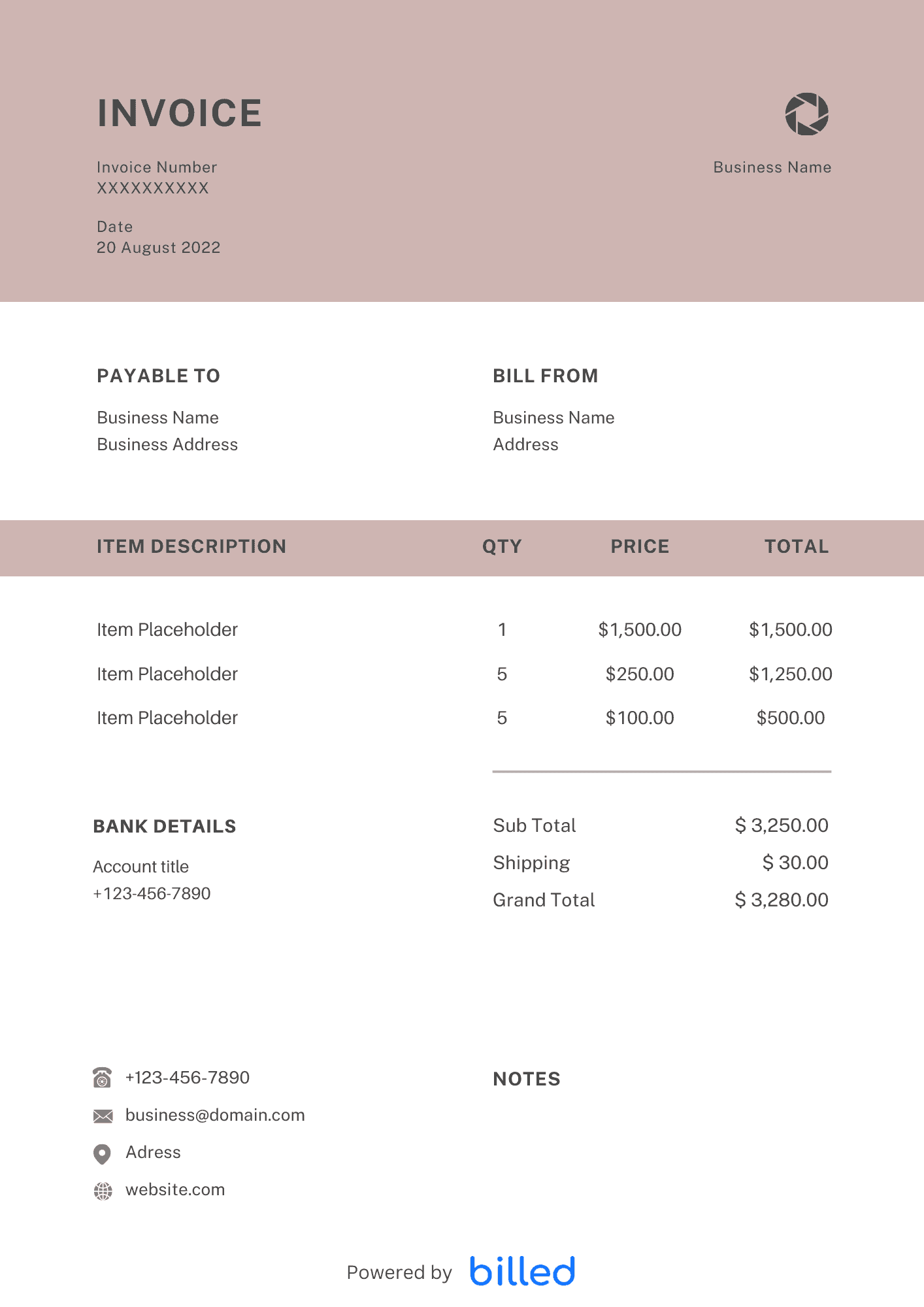
Build Trust After Every Service Call
A readable invoice shows part numbers or descriptions, warranty length on installed components, and whether disposal of the old door was included. When something is excluded—such as electrical upgrades for a new opener—say so in the notes to prevent one-star surprises.
Line Items That Match the Trade
Typical rows include diagnostic or trip charge, labor by hour or flat rate, spring pair, cable replacement, panel section, keypad or remote, and commercial operator upgrades. For new installs, separate materials, labor, haul-away, and permit fees when applicable.
Commercial Accounts
Offer Net 15 or Net 30 only when your cash flow supports it, and require credit applications for new facilities clients. Reference PO numbers on every invoice page so accounts payable can match your bill to their system.
Downloadable or Cloud
Customize in , or . Billed stores your line-item library so spring-and-labor bundles take seconds to invoice from the van.
Browse locksmith, handyman, and other invoice templates.
Warranty Tracking and Parts Returns
Serial numbers on openers and motors belong on the invoice so warranty registrations take seconds. When a manufacturer credits a defective part, issue a credit memo that references the original invoice line. For property managers with dozens of doors, save building codes in the client profile so repeat service invoices stay consistent. Nightly exports of paid invoices help you spot which ZIP codes generate the most after-hours premiums.
Skip the Templates — Create Invoices Online
Why download templates when you can create professional invoices online with Billed? Customize, send, and get paid — all in one place.
No credit card required. Cancel anytime.
How To Create Your Invoice With Billed
Get started in minutes with three simple steps.
Sign Up Free
Create your free Billed account in seconds. No credit card required.
Customize Template
Choose and customize your invoice template with your business details.
Send & Get Paid
Send your professional invoice to clients and get paid faster.
Frequently Asked Questions
Common questions about this invoice template.
Related Templates
Explore more templates for your business.
Related Articles
Learn more about creating professional invoices for your business.
Ready To Create Your Invoice?
Join thousands of businesses using Billed to create professional invoices and get paid faster.
No credit card required. Cancel anytime.