
IT Invoice Templates
Free IT Invoice Templates Download Free IT Invoice Templates and send professional invoices to your clients for your IT services
No credit card required. Cancel anytime.
Why IT professionals need dedicated invoice templates
IT work spans consulting engagements, support contracts, development sprints, and ongoing maintenance agreements. Each type of project has different billing structures — hourly rates for consulting, fixed fees for development milestones, or monthly retainers for managed services. A generic invoice often lacks the fields needed to describe technical work clearly.
Using an IT-specific invoice template helps you present line items that clients understand, whether that means listing hours by task, breaking out hosting and licensing costs, or separating development from quality assurance work. Clear invoices reduce questions, speed up approvals, and make your business look professional.
What to include on an IT invoice
- Project or ticket reference — Link the invoice to a specific project, sprint, or support ticket so the client can match it to their records.
- Itemized tasks — List each deliverable or service performed with a brief description, quantity (hours or units), and rate.
- Technology or platform details — For development work, note the platform or stack involved (e.g., "React front-end development" or "AWS infrastructure setup") so the client sees the value.
- Milestone status — If the project uses milestone billing, indicate which milestone the invoice covers and what percentage of the total project it represents.
- Payment terms — State the due date, accepted payment methods, and any late-payment policy. Net-30 is common for IT contracts, but shorter terms like Net-15 can improve cash flow.
Choose The Best IT Invoice For Your Business
Every IT service has different invoicing needs. Choose the template that fits your specialty, customize it, and start sending professional invoices in minutes.
Tips for IT invoicing
- Track time accurately. Use time tracking to log hours as you work. Clients appreciate detailed time records, especially on hourly engagements.
- Bill at milestones. For large development projects, agree on milestone payments upfront. Invoicing at each milestone keeps cash flow steady and gives the client predictable costs.
- Separate recurring and one-time charges. If you bill monthly hosting or maintenance alongside project work, list them in distinct sections so the client can see what is ongoing versus what is a one-time cost.
- Include a project summary. A brief note at the top of the invoice — one or two sentences about what was delivered — adds context and reduces payment delays.
Skip the Templates — Create Invoices Online
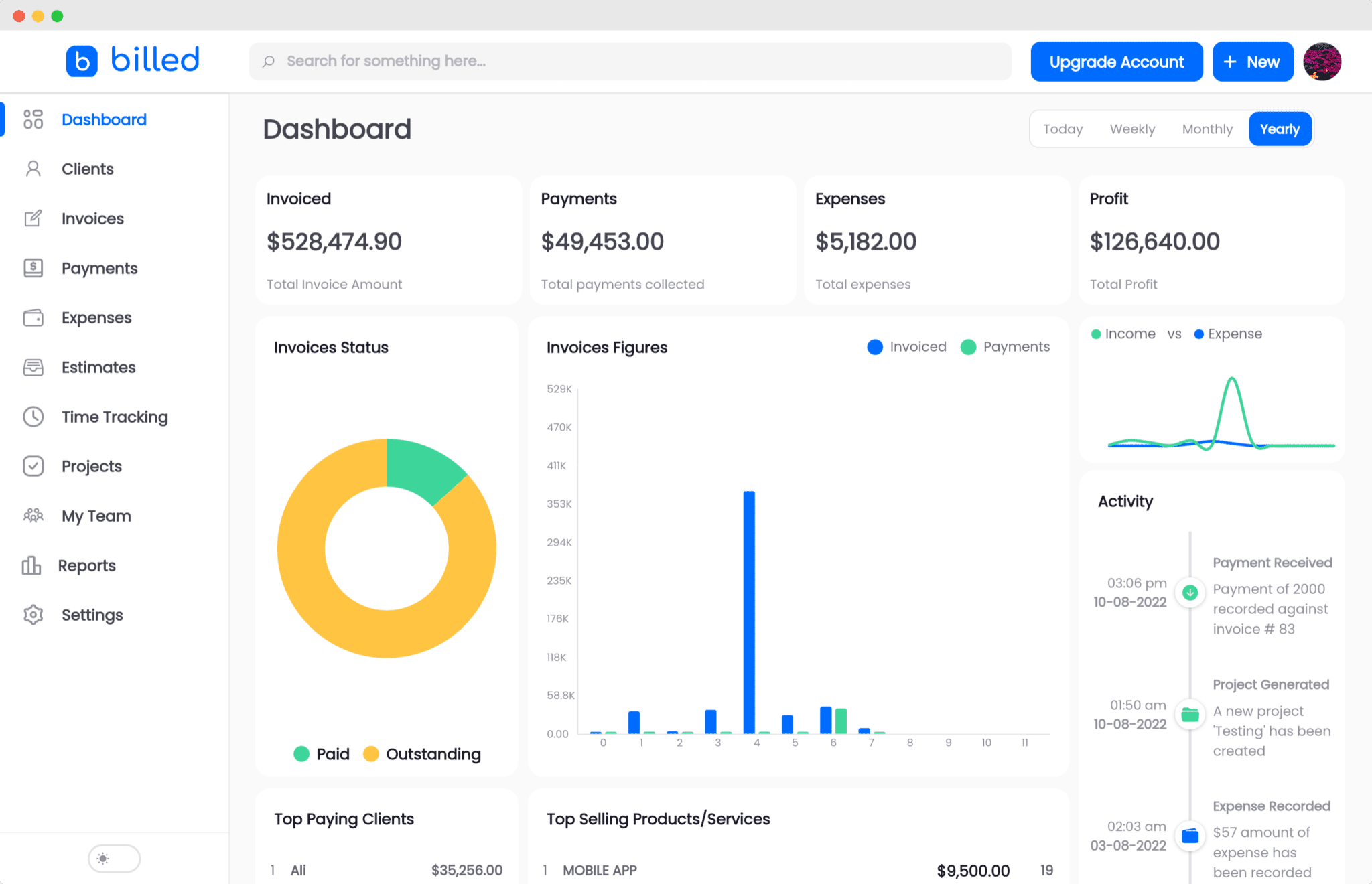
Why download templates when you can create professional invoices online with Billed? Customize, send, and get paid — all in one place.
No credit card required. Cancel anytime.
How To Create Your Invoice With Billed
Get started in minutes with three simple steps.
Sign Up Free
Create your free Billed account in seconds. No credit card required.
Customize Template
Choose and customize your invoice template with your business details.
Send & Get Paid
Send your professional invoice to clients and get paid faster.
Frequently Asked Questions
Common questions about this invoice template.
Related Articles
Learn more about creating professional invoices for your business.
Ready To Create Your Invoice?
Join thousands of businesses using Billed to create professional invoices and get paid faster.
No credit card required. Cancel anytime.