
Google Sheets Receipt Template
Google Sheets Receipt Template Google sheets receipt template from Billed is the solution that helps you create and send professional-looking and detailed receipts quickly
No credit card required. Cancel anytime.
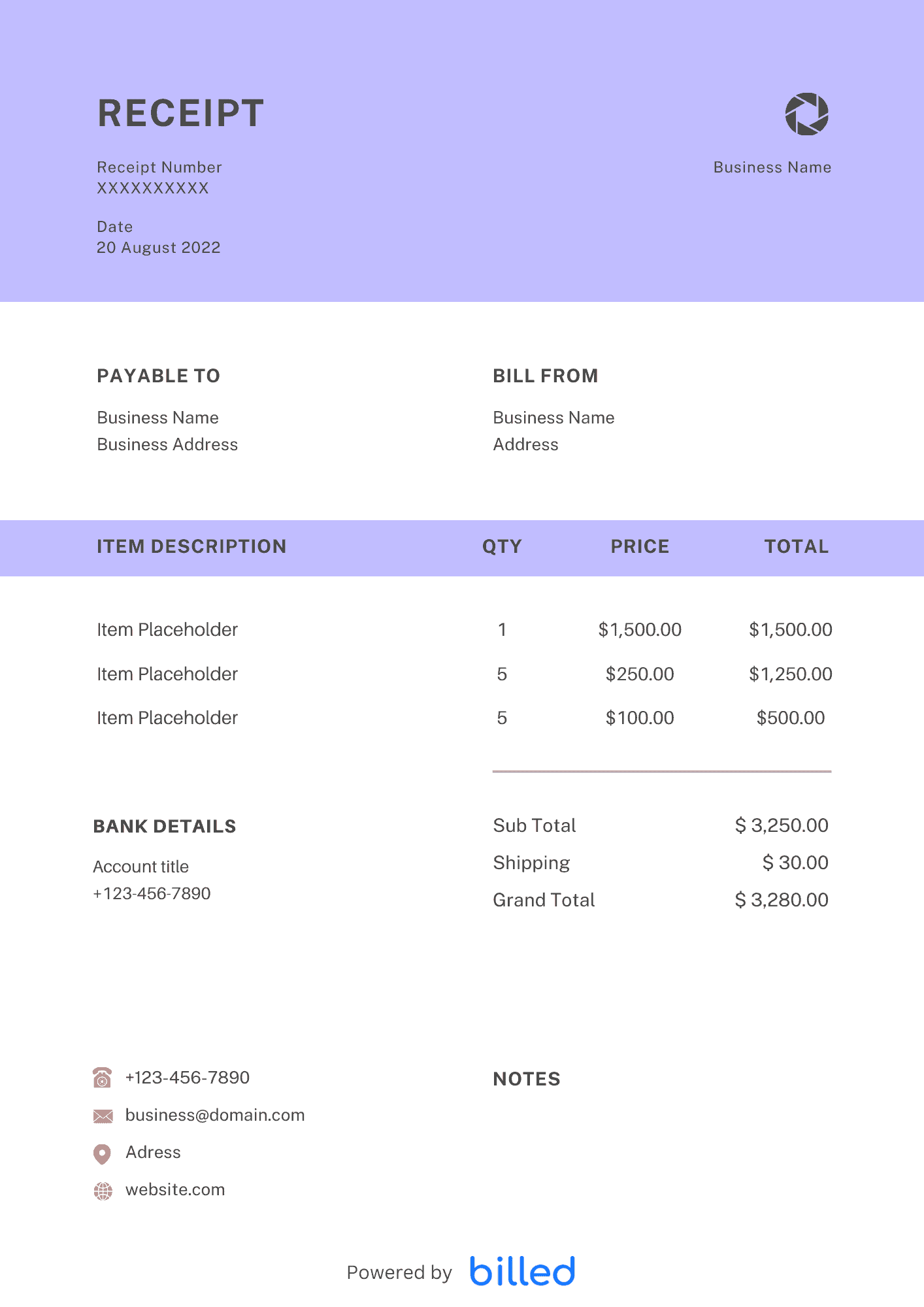
the Free Google Sheets Receipt Templates
Choose a template variation and download in your preferred format.
Create with Billed
Get Your Google Sheets Receipt Template
Download the free Google Sheets from Billed. It allows you to create and send detailed and professional-looking receipts quickly and easily. Customize the template with your company name and logo, fill in the service details and the cost, edit it and send it to your client by email.
Our beautiful and easily-editable receipt templates are available in different formats
Benefits of Google Sheets Receipt Template
You can get tons of advantages while using a receipt template. Some of them are as follows.
Keeping proper financial record: Excellent and perfect financial transactions and record keeping is not possible without a detailed receipt. With the help of a receipt, you can easily verify your weekly, monthly, and annual income.
For tax and audit teams: With the help of the receipt, you can quickly retrieve and hand over all the requested information to the tax or audit team.
Avoid confusion: As proof of payment, it ensures that all payments are recorded properly and avoid confusion and conflict.
Preventing potential scam: Receipt prevents scams. With the help of the receipt, you can quickly come to know when and where the goods or services were purchased.
.
What to include on Google Sheets Receipt?
As a businessman, you need to issue a simple but accurate receipt that at least contains the following details.
- The payment date: The date when the customer made a partial or full payment for your goods or services.
- Sum amount received: This is the amount the customer paid to get the goods or services from you.
- The seller’s details: Your business name and contact details.
- Quantity purchased: The volume of goods received by the customer.
- An optional logo: Enter the logo of your business in different fonts and colors
- The amount remaining due: The amount the customer is still scheduled to complete payment.
- The original receipt number; Give your receipt a unique number.
Why is a Receipt Needed?
The primary role of the receipt is to prove that you have paid for the goods or services. It also prevents you from being billed again for what you paid. As a company, if you want to prove the expenses required to earn income as an individual, you must submit it.
Receipts are required to be presented to the tax office for final tax returns and year-end adjustments, so it can be said that there is a public need for receipts. It is also necessary to submit both a receipt and a receipt to prevent fraudulent deposits and withdrawals and prevent internal fraud. Proof using both a correctly addressed receipt and a detailed breakdown receipt will make the payment flow more transparent.
How to send a receipt?
There are five main ways to send a receipt. If you consult with the other party in advance about how to send the receipt, you will communicate smoothly.
Handing over
Handing is often applied when you receive money directly through over-the-counter sales or home-visit sales. Receive cash and issue a receipt on the spot.
It is applicable when payment is made by bank transfer. After confirming payment, issue a receipt and mail it to the other party. In the mail case, we recommend that you send it by a traceable method such as simple registered mail so that you do not lose track of where the receipt you sent is.
It is polite to write “Receipt in progress” to let you know that the envelope has a receipt. Besides, the bank transfer statement issued when the other party makes a bank transfer acts as a substitute for the receipt, but since it is just a “transfer statement,” the other party requests a receipt. If so, it must be issued.
FAX
The characteristics of the fax and the certainty that it will be delivered to you will be low. Only issue a receipt by fax if you need a receipt in a hurry, and the payer requests it. When you send a receipt by fax, it will be treated as data, so you do not need to attach a revenue stamp. However, there is a risk that the print will be unclear when faxing, so it is polite to send the original again after sending it by fax.
This is a method of converting the issued receipt into a PDF file, attach the file to an email, and sending the receipt.
WEB publication
If you have an internet connection, you can issue receipts and can receive online payments, which is very convenient.
Why use our Google Sheets Receipt Template?
Don’t waste your energy and valuable time designing complicated and orthodox receipt from scratch . We offer the best and stylish receipt template in Google Sheets format, download, and use them so that you could easily take your business to the next level.
- Our templates are free to download
- Friendly formats
- Our templates are easily accessible
- Easy to use
- Stylish
- Easily editable
- Printable, etc.
How to create the Google Sheets Receipt?
Follow these simple steps and get your Google Docs receipt in no time.
Download Google Sheets receipt template from Billed for free
Add your business name and contact details
Add your business logo in different fonts and colors
Add the client’s name and contact details
Include issuance date
Add the total received amount made
Add any other payments like advance or security etc.
Add your payment methods
Sign the receipt
Save
Issue.
Skip the Templates — Create Receipts Online
Why download templates when you can create professional receipts online with Billed? Customize, send, and get paid — all in one place.
No credit card required. Cancel anytime.
How To Create Your Receipt With Billed
Get started in minutes with three simple steps.
Sign Up Free
Create your free Billed account in seconds. No credit card required.
Customize Template
Choose and customize your receipt template with your business details.
Send & Get Paid
Send your professional receipt to clients and get paid faster.
Frequently Asked Questions
Common questions about this receipt template.
Related Articles
Learn more about creating professional receipts for your business.
Ready To Create Your Receipt?
Join thousands of businesses using Billed to create professional receipts and get paid faster.
No credit card required. Cancel anytime.