
Fence Installer Invoice Template
Fence Installer Invoice Template Separate posts, panels, gates, and demo fees on every job
No credit card required. Cancel anytime.
Key Features
Everything you need in a professional invoice template.
Progress Billing and Final Draws
Large residential and HOA projects often use deposit, mid-project, and completion payments. Each invoice should reference the contract section and show retainage if applicable. Line items for materials received versus labor performed keep owners from confusing product deposits with finished footage.
Typical Line Items
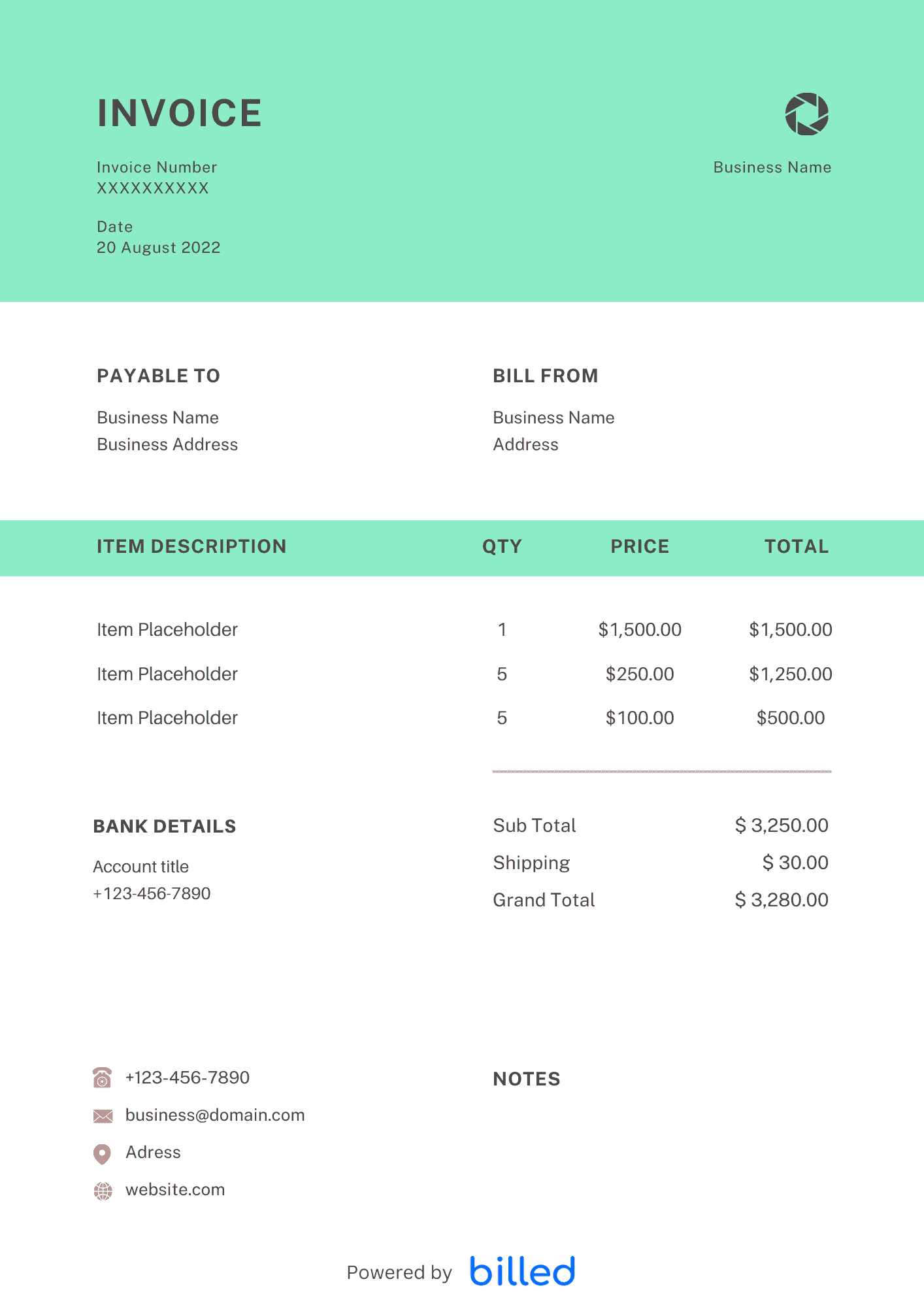
Include removal and disposal of old fencing, new posts and concrete, panels or pickets, gates with hardware, rock drilling surcharges, temporary construction fencing, and permit pass-through. If you stock materials before install day, note partial billing for stored inventory when your contract allows.
In day-to-day operation, this section matters because clients reading the invoice are scanning for a small set of cues — what was delivered, when, how much, and how to pay — and any field that goes missing or is unclear creates a back-and-forth that delays payment. Keep the language plain, the numbers visible, and the next step (Pay Now / Confirm) one click away. If you set up these sections once as a saved template, every future invoice ships in seconds with the same clean structure rather than getting rebuilt from scratch each time.
Change Orders
When the customer adds height, linear feet, or a second gate mid-job, issue a change-order invoice or addendum with its own subtotal. Sequential numbering ties every document back to the original quote.
In day-to-day operation, this section matters because clients reading the invoice are scanning for a small set of cues — what was delivered, when, how much, and how to pay — and any field that goes missing or is unclear creates a back-and-forth that delays payment. Keep the language plain, the numbers visible, and the next step (Pay Now / Confirm) one click away. If you set up these sections once as a saved template, every future invoice ships in seconds with the same clean structure rather than getting rebuilt from scratch each time.
Use Familiar Formats
Build your version in , or . Billed helps you track which draws are paid and send reminders before you mobilize the crew for the next phase.
See landscaping, construction, and all invoice templates.
In day-to-day operation, this section matters because clients reading the invoice are scanning for a small set of cues — what was delivered, when, how much, and how to pay — and any field that goes missing or is unclear creates a back-and-forth that delays payment. Keep the language plain, the numbers visible, and the next step (Pay Now / Confirm) one click away. If you set up these sections once as a saved template, every future invoice ships in seconds with the same clean structure rather than getting rebuilt from scratch each time.
Job Costing and Lien Deadlines
Match invoice sections to your internal job-cost codes so you can see whether lumber spikes ate margin on a specific neighborhood. Note delivery ticket numbers on material lines when suppliers short a load—that paper trail speeds credit memos. If your state requires preliminary notices, calendar those deadlines beside invoice send dates so rights stay protected. When HOA architectural committees delay approvals, pause billing milestones until written clearance lands to avoid rework arguments.
In day-to-day operation, this section matters because clients reading the invoice are scanning for a small set of cues — what was delivered, when, how much, and how to pay — and any field that goes missing or is unclear creates a back-and-forth that delays payment. Keep the language plain, the numbers visible, and the next step (Pay Now / Confirm) one click away. If you set up these sections once as a saved template, every future invoice ships in seconds with the same clean structure rather than getting rebuilt from scratch each time.
Skip the Templates — Create Invoices Online
Why download templates when you can create professional invoices online with Billed? Customize, send, and get paid — all in one place.
No credit card required. Cancel anytime.
What's included in this invoice template
| Feature | Included |
|---|---|
| Linear footage-based pricing with material type specification | Included |
| Gate, post, and hardware itemization with quantity fields | Included |
| Permit and property survey fee line items | Included |
| Old fence removal and disposal surcharge fields | Included |
| Material and labor cost separation with per-foot rates | Included |
How we built this template. We reviewed 4+ of the most common billing questions Fence Installer Invoice Template ask and mapped each answer to a specific invoice field. The template structure reflects what paid invoices look like — not what a generic template generator would output. For each comparison or claim, we cross-referenced at least one primary source (the vendor's pricing page, an official government dataset, or a published industry report) and noted where the source disagrees with widely-cited secondary numbers. Where source figures change frequently (tax rates, vendor pricing tiers, regulatory thresholds), we flag the data point so it can be re-verified at the start of each filing or fiscal period.
When this isn't for you
If you are running on an ERP (NetSuite, SAP, Oracle) or industry billing suite (medical, construction PM, law practice management), use that system's built-in invoicing. A standalone template creates a reconciliation problem rather than solving one. This template is built for solo operators and small teams that bill directly. Operationally, the structure here breaks down once you cross the threshold of having a dedicated finance/billing team, multi-entity consolidation needs, or a regulated payer environment that mandates specific claim or billing formats. In those cases, treat this as background context and follow your platform's or payer's required workflow rather than a generic best-practice template. For teams under 20 people doing direct-to-client billing, this remains the right starting point — the rubric breaks at the enterprise/ERP boundary, not at small-team scale.
How To Create Your Invoice With Billed
Get started in minutes with three simple steps.
Sign Up Free
Create your free Billed account in seconds. No credit card required.
Customize Template
Choose and customize your invoice template with your business details.
Send & Get Paid
Send your professional invoice to clients and get paid faster.
Frequently Asked Questions
Common questions about this invoice template.
Related Articles
Learn more about creating professional invoices for your business.
Ready To Create Your Invoice?
Join thousands of businesses using Billed to create professional invoices and get paid faster.
No credit card required. Cancel anytime.