
Printable Invoice Template
Printable Invoice Template To make sure that you will get paid for the service or product you offer, you should prepare an invoice
No credit card required. Cancel anytime.
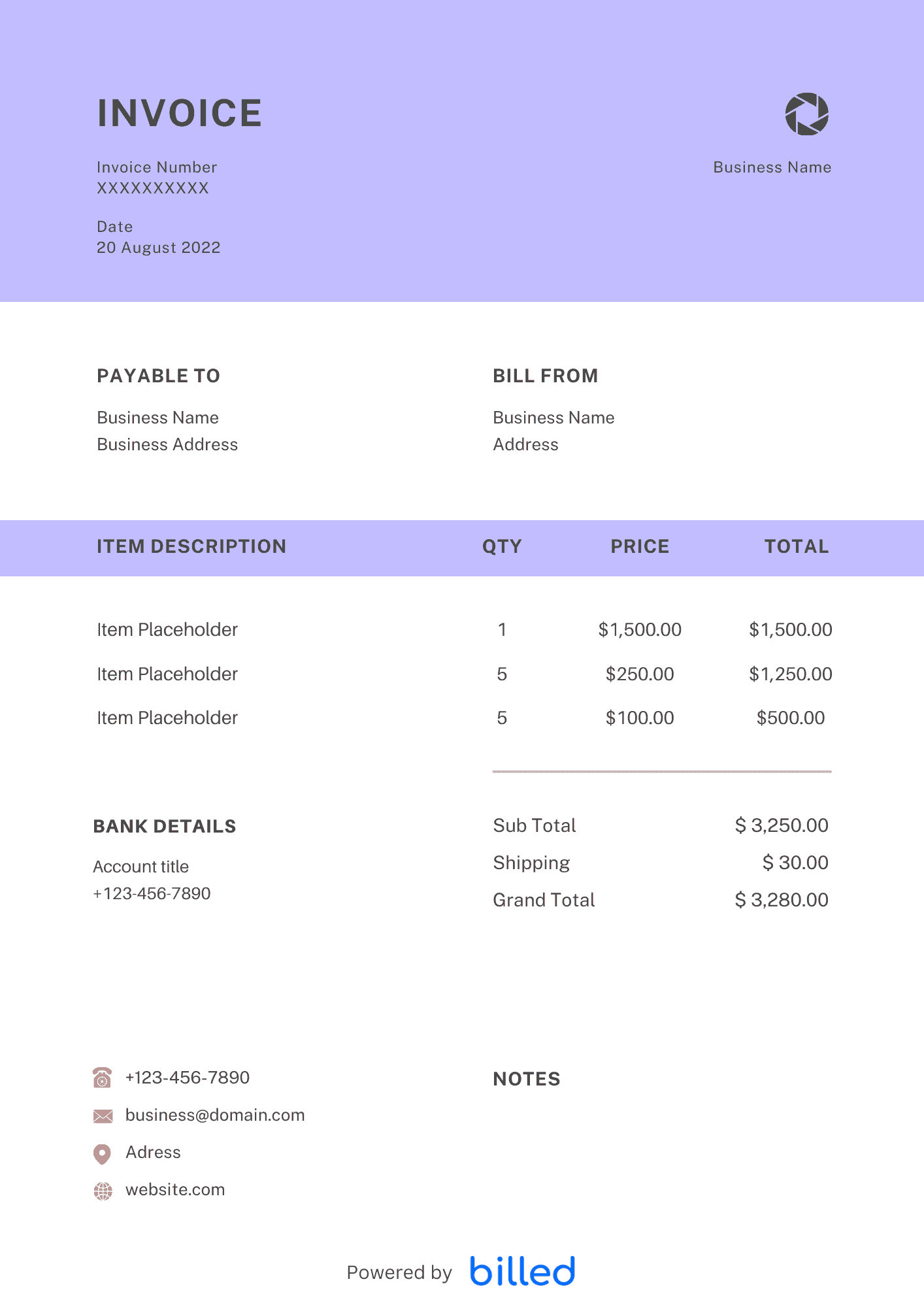
Printable Invoice Template
Choose a template variation and download in your preferred format.
Blank Printable Invoice Template
Use this invoice template to send stylish and complete invoices. You will need to enter the necessary information about the receivables, such as date, unit price, and description. After entering the details, you can then save or immediately print a branded invoice.
Create with Billed
Create with Billed
Get Your Free Printable Invoice Template
Get your free printable invoice templates from Billed. With our stylish and customizable invoice templates, you can easily create branded and detailed invoices for your customers in just a few seconds. Keep your brand elements consistent by adding your business logo, brand colors, and fonts with only a few clicks.
Our stylish and customizable invoice templates are available in various formats such as , . Browse more free invoice templates.
Why small business should use Printable Invoices?
If you are still unclear about what invoicing functions in your company, look at these points:
- For information about products/services purchased by consumers
- For information regarding the amount of bills and terms of payment that must be made by consumers
- As valid evidence, if the products/services that have been listed are resold by another party
- As valid evidence when adding transactions to financial books
- As evidence, if there is an error in the delivery of goods or in calculating the bill
How to Fill in a Printable Invoice in Microsoft Word?
The printable invoice template is easily editable that is why it works well for your business.
- Download the Microsoft Word format of the “Free Printable Invoice Template”
- Open the printable invoice template on your computer or laptop.
- Customize the blank invoice template with your business name, and contact information.
- Save the template to your computer,
- To design a new invoice for your client, make a copy of the current template
- Customize the invoice fields with your client’s name and contact information, the services provided, pricing and payment details and conditions.
- Name your template. For example, “(client business name) Invoice | (date)”
- Save
How to Send Printable Invoices to Your Clients?
Creating stylish printable invoices online is very easy with the Billed. Once customized, you can send a detailed invoice to your clients via mail or Billed.
- Open the saved invoice that you have made for your client. It should contain the client’s name, an invoice number or some other identifier.
- If you want to mail the invoice, get the complete print of it and mail it directly to client’s address.
- To email the invoice, compose an email using your business email account. Add the client’s name and email address, write a custom message, and attach the invoice to the email.
- Send
How to Create a Printable Invoice?
Creating professional invoices with Billed is a matter of just a few seconds. With the free printable invoice template from Billed, all you have to do is download, customize and send.
- Open the “Free Printable Invoice Template” in your favorite format i.e.PDF, Word or Excel format”
- Edit the lines in the template to customize your invoice. Add your business information, your client’s information, services provided, and costs.
- Download the free invoice template to your computer to save or print the invoice directly from your browser.
- Send the invoice to your client via Billed, by email, or by mail.
With the help of our blank invoicing template, you can easily fill out your business information, add services, pricing, and many more.
Once done, you can easily download the invoice to your device and send it through email, or get the print and send it via mail.
Skip the Templates — Create Invoices Online
Why download templates when you can create professional invoices online with Billed? Customize, send, and get paid — all in one place.
No credit card required. Cancel anytime.
How To Create Your Invoice With Billed
Get started in minutes with three simple steps.
Sign Up Free
Create your free Billed account in seconds. No credit card required.
Customize Template
Choose and customize your invoice template with your business details.
Send & Get Paid
Send your professional invoice to clients and get paid faster.
Related Articles
Learn more about creating professional invoices for your business.
Ready To Create Your Invoice?
Join thousands of businesses using Billed to create professional invoices and get paid faster.
No credit card required. Cancel anytime.