
Microsoft Office Invoice Template
Microsoft Office Invoice Template Create professional invoices in Microsoft Office and customize them to suit your business requirements
No credit card required. Cancel anytime.
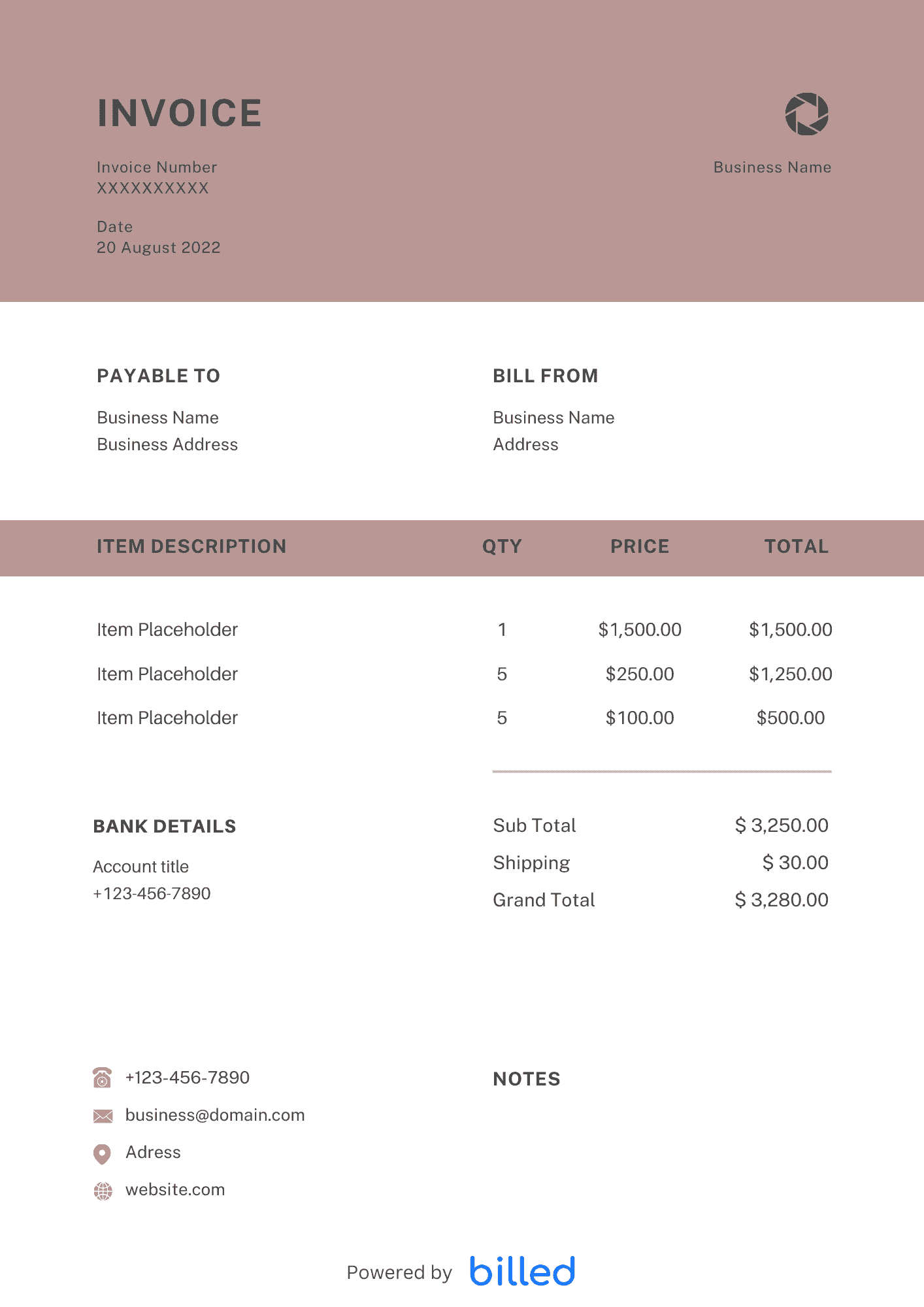
MS Office Invoice Template
Choose a template variation and download in your preferred format.
Create with Billed
Get Your Free Microsoft Office Invoice Template
You work hard to run your business more smoothly, therefore, you want to get compensated timely and accurately. To get paid timely and ideally, you need a powerful invoicing tool to bill your clients.
Get the free Microsoft invoice templates from Billed for your business, and start billing your clients professionally and collecting all your payments immediately in the right way flawlessly.
Our stylish and professional-looking templates are available in various formats MS-Excel, . See more free invoice templates.
How to create the Invoice in Microsoft Office?
With the help of Billed you can easily create detailed and branded invoices in Microsoft Office effortlessly. Follow the following steps and get your professional and detailed Microsoft invoice immediately.
- Download the Microsoft invoice template from Billed for free.
- Include your business branding like logo etc.
- Add your name, business name along with contact information.
- Mention any material along with description and price.
- Add your client’s name and contact information.
- Add the total.
- Add payment method.
- Include the policy like a refund or late fee etc.
- Save.
- Send via Billed or email, etc.
With our blank Microsoft invoice, you can quickly fill in the details of the services according to the project. This will help you bill your client for all your hard work immediately and get the reward correctly.
Skip the Templates — Create Invoices Online
Why download templates when you can create professional invoices online with Billed? Customize, send, and get paid — all in one place.
No credit card required. Cancel anytime.
How To Create Your Invoice With Billed
Get started in minutes with three simple steps.
Sign Up Free
Create your free Billed account in seconds. No credit card required.
Customize Template
Choose and customize your invoice template with your business details.
Send & Get Paid
Send your professional invoice to clients and get paid faster.
Related Articles
Learn more about creating professional invoices for your business.
Ready To Create Your Invoice?
Join thousands of businesses using Billed to create professional invoices and get paid faster.
No credit card required. Cancel anytime.